
Explore Productsended
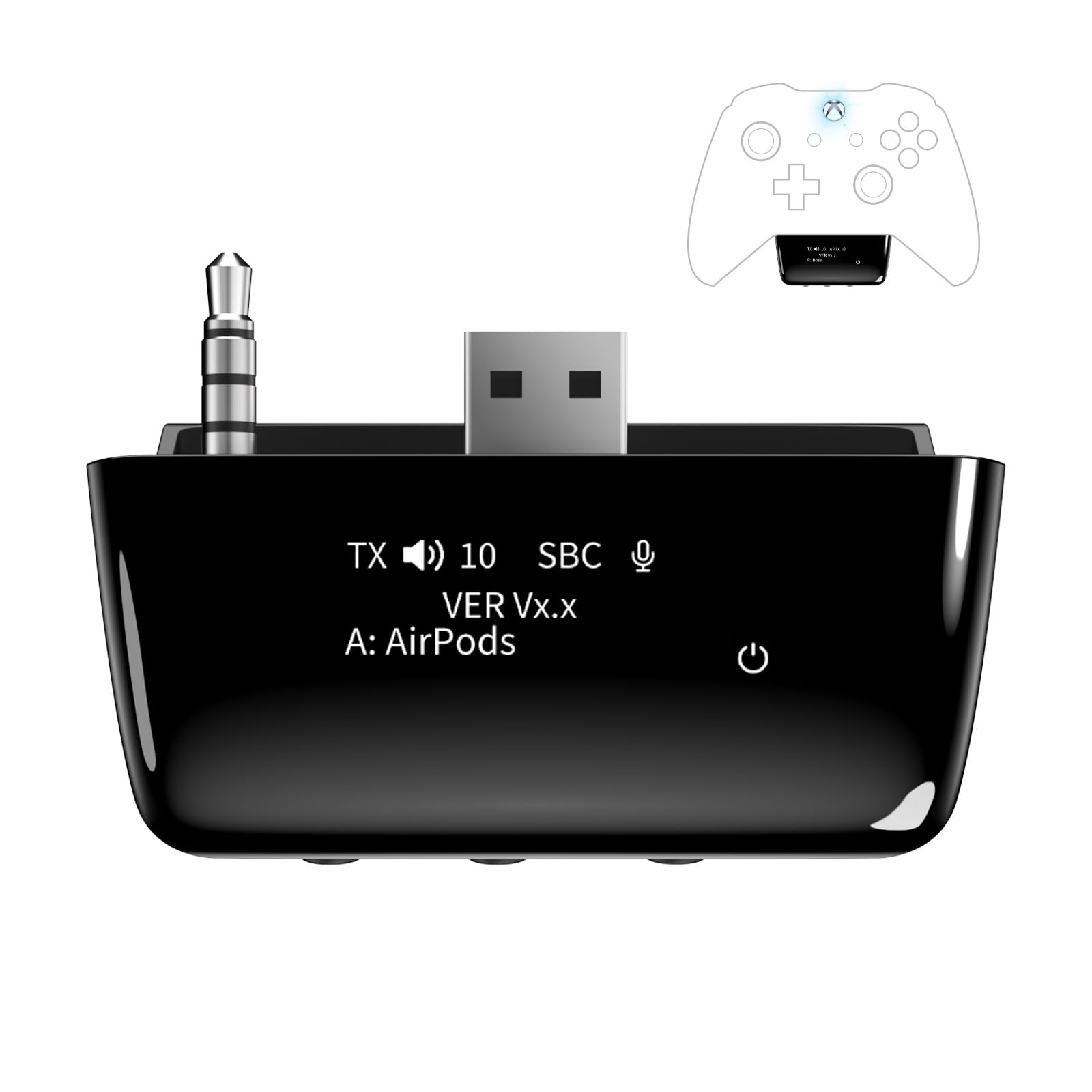
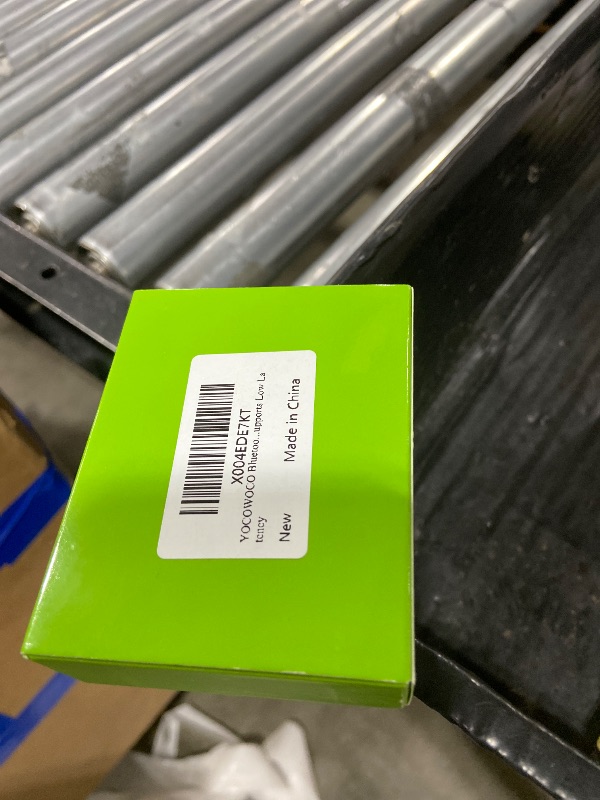
YOCOWOCO Bluetooth 5.2 Wireless Audio Adapter for Xbox One, Xbox Series X|S and Elite 2 Controller, Xbox Mic Adapter with Screen Supports Low Latency
YOCOWOCO Bluetooth 5.2 Wireless Audio Adapter for Xbox One, Xbox Series X|S and Elite 2 Controller, Xbox Mic Adapter with Screen Supports Low Latency
Item Details
Seller

Nellis Auction
Pickup Location
4031 Market Center Dr Suite 303
North Las Vegas, NV, 89030
Quality
Used
Functional
No Damage
No Assembly Needed
In Package
No Missing Parts
Estimated Retail Price
$31.87
Buyers Premium
15%
Inventory Number
1068077110
Additional Details from the Manufacturer
This item information is coming from the manufacturer. Some of the details may vary from the Nellis Auction listing. Please check the Quality Rating and Notes for information specific to this listing
brand
YOCOWOCOcolor
Blackweight
0.04 lbsMore features
- 【OLED Display and Effortless Device Information Access】 The screen simplifies pairing the Microsoft Xbox wireless adapter with all Bluetooth headphones, earbuds. It can intuitively display volume, codec format, mic status, and paired Bluetooth devices.⚠️ Important Pairing Tip:Pairing requires holding both Vol+ & Vol- simultaneously until "Searching" appears.
- 【aptX Low Latency】The codec ensures synchronized audio, stepping you into the world of wireless gaming with our Xbox One Bluetooth adapter. Low latency requires your headphones to also support this technology.
- 【Wide Compatibility】The Xbox audio adapter is designed for Xbox One, Series X, Series S, and Elite Series 2 Wireless Controllers with 3.5mm audio jack. It does not support the first-generation Xbox controller and the Elite 1 controller.
- 【Upgraded Tech】Powered directly by the controller, the Xbox headset adapter delivers low energy consumption. It further conserves power by automatically dimming the screen after 10 seconds of inactivity. This design is enhanced by two indicator lights, giving quick feedback on the adapter and mic status.
- 【Note】Even after the transmitter is powered off, the mic remains active when the mute switch is leftward. Sliding it right activates the mute indicator light, disabling the mic. The mic can function independently without paired headphones. Additionally, the adapter doesn't support the microphone of Bluetooth headhones.
- 【Volume Adjustment】If the volume is relatively low, please primarily adjust the volume through your Xbox console. The adapter's volume buttons serve as a secondary option.
See the deals
Get in on the action, thousands of new items added daily. Bid and win!
Start bidding now