
Explore Productsended
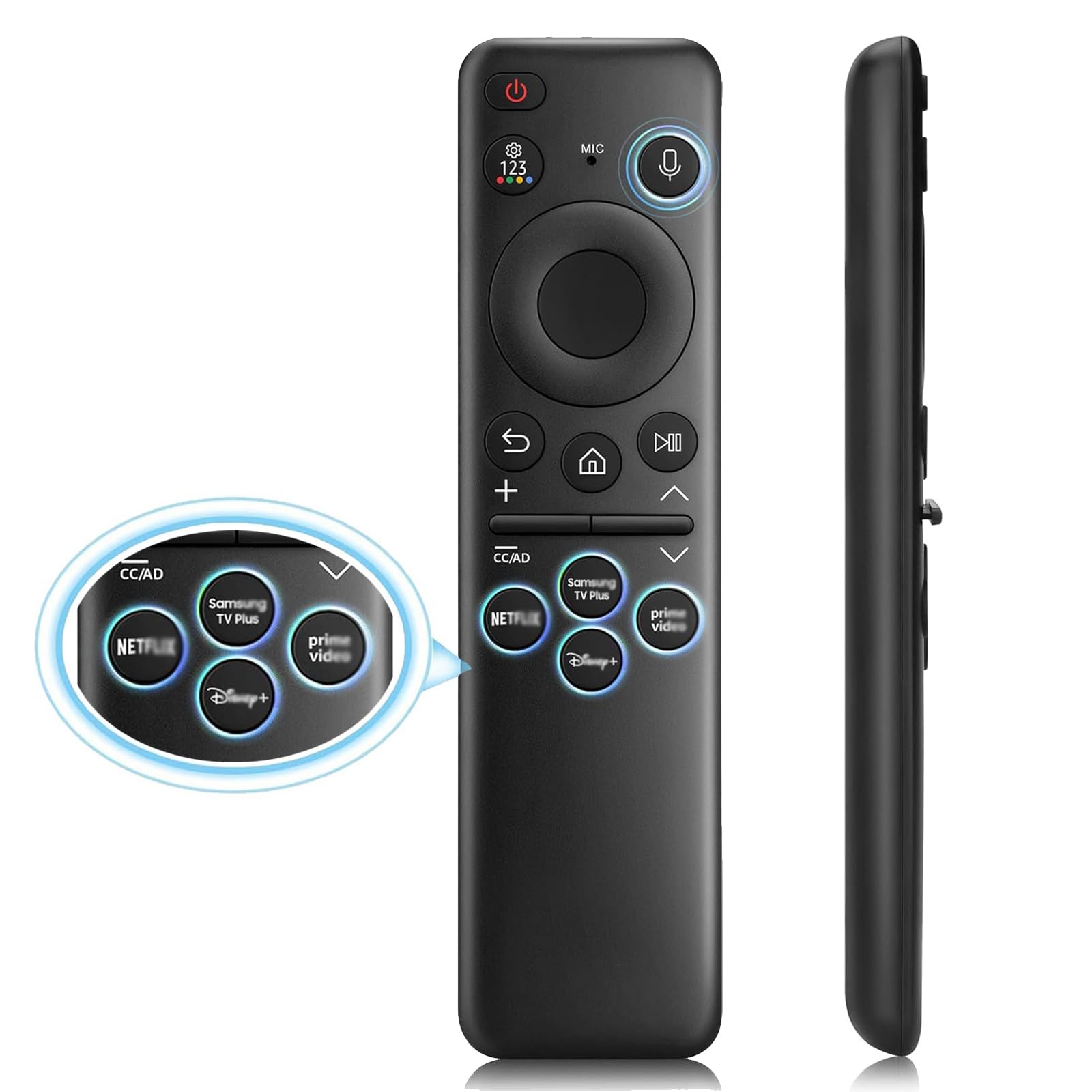
Voice Remote for Samsung TV Remote, BN59-01432A for Samsung Smart TV Series: OLED Neo QLED Crystal UHD Frame
Voice Remote for Samsung TV Remote, BN59-01432A for Samsung Smart TV Series: OLED Neo QLED Crystal UHD Frame
Description
Voice Remote for Samsung TV Remote, BN59-01432A for Samsung Smart TV Series: OLED Neo QLED Crystal UHD Frame
Item Details
Seller

Legacy Bids
Pickup Location
3591 John Peter Lee St
North Las Vegas, NV, 89032
Quality
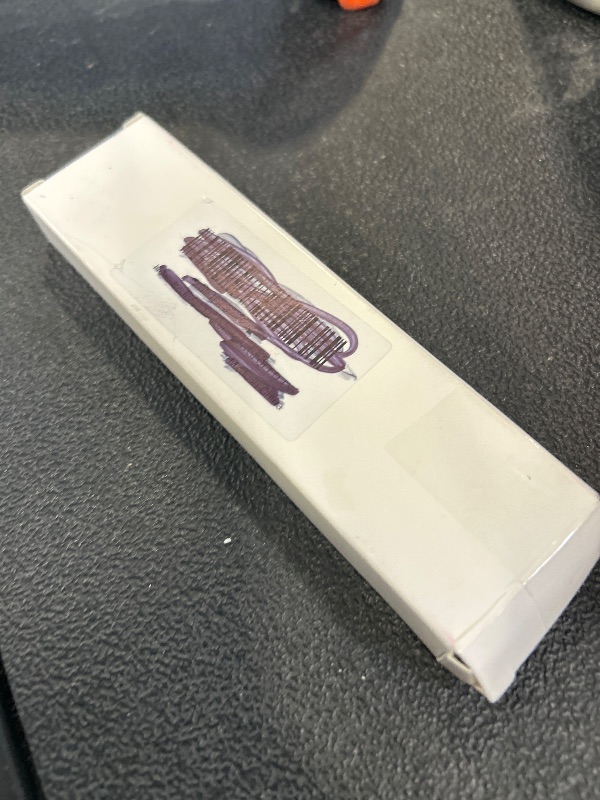
New
Functional
No Damage
No Assembly Needed
In Package
No Missing Parts
Estimated Retail Price
$17.28
Buyers Premium
15%
Inventory Number
1071093665
Found in
Additional Details from the Manufacturer
This item information is coming from the manufacturer. Some of the details may vary from the Nellis Auction listing. Please check the Quality Rating and Notes for information specific to this listing
brand
Xiaodibcolor
01432A Voice Samsung TV Remote Blacksize
01432a Voice Samsung Tv Remote BlackMore features
- [Voice-Controlled Remote] The remote's voice functionality makes it easy to find content just by speaking, and it also offers 4 popular shortcut buttons for one-click access to your favorite applications.【No Charging Function】
- [Compatibility] Fit for all Samsung Voice Smart TV models: 8 series, 9 series, CU8000, CU7000, CU8000D, DU7200, DU8000, DU6900, TU8000, AU8000, G65B, G7, G70B, G85SB, LS03,LS03B, LS03C, LS03D, LSP3B, LS24A, LS27A, LS05, LST7, LST9C, M50C, M70B, M70C, M5, M7, M8, M80C, Q60C, Q60D, Q70C, Q70CD, Q70D, Q80C, Q80CD, Q80D, QE1C, QN800C, QN800D, QN850C, QN85C, QN85CD, QN85D, QN900C, QN900D, QN90C, QN90CD, QN90D, QN990C, S9, S90C, S90D, S95C, S95D, TU8200, TU8300, TU850D, TU9000, RU8000, Q6F, Q7F, Q7C, Q8F, Q9F Series etc.
- [For Samsung Voice Remotes] Compatible with all Samsung TV voice remote models: TM2360E BN59-01432A, BN59-01455A, TM2361E BN59-01456A, BN59-01439A, BP59-00149A, BN59-01312A, BN59-01266A, BN59-01385A, TM2281E, TM2280E, BN59-01391A, BN59-01330H, BN59-01330A, BN59-01363A, BN59-01357A and more. Please note that this remote isn't compatible with BN59-01315A and BN59-01199F.
- [Easy to Pair] How to pair : Press and hold the Return + the Play/Pause buttons at the same time for 5-10 seconds. When the indicator light on the remote flashes and you see the "pairing completed" message on the TV screen, the pairing is successful. (Note:If pairing fails, please repeat the above steps again.) (Product comes with a manual)
- [After-sale Service] Our Xiaodib Remote Control comes with an unlimited return and refund service in 90 days. If you have any query, please contact us and we will get back to you as soon as possible within 24 hours.
See the deals
Get in on the action, thousands of new items added daily. Bid and win!
Start bidding now