
Explore Productsended
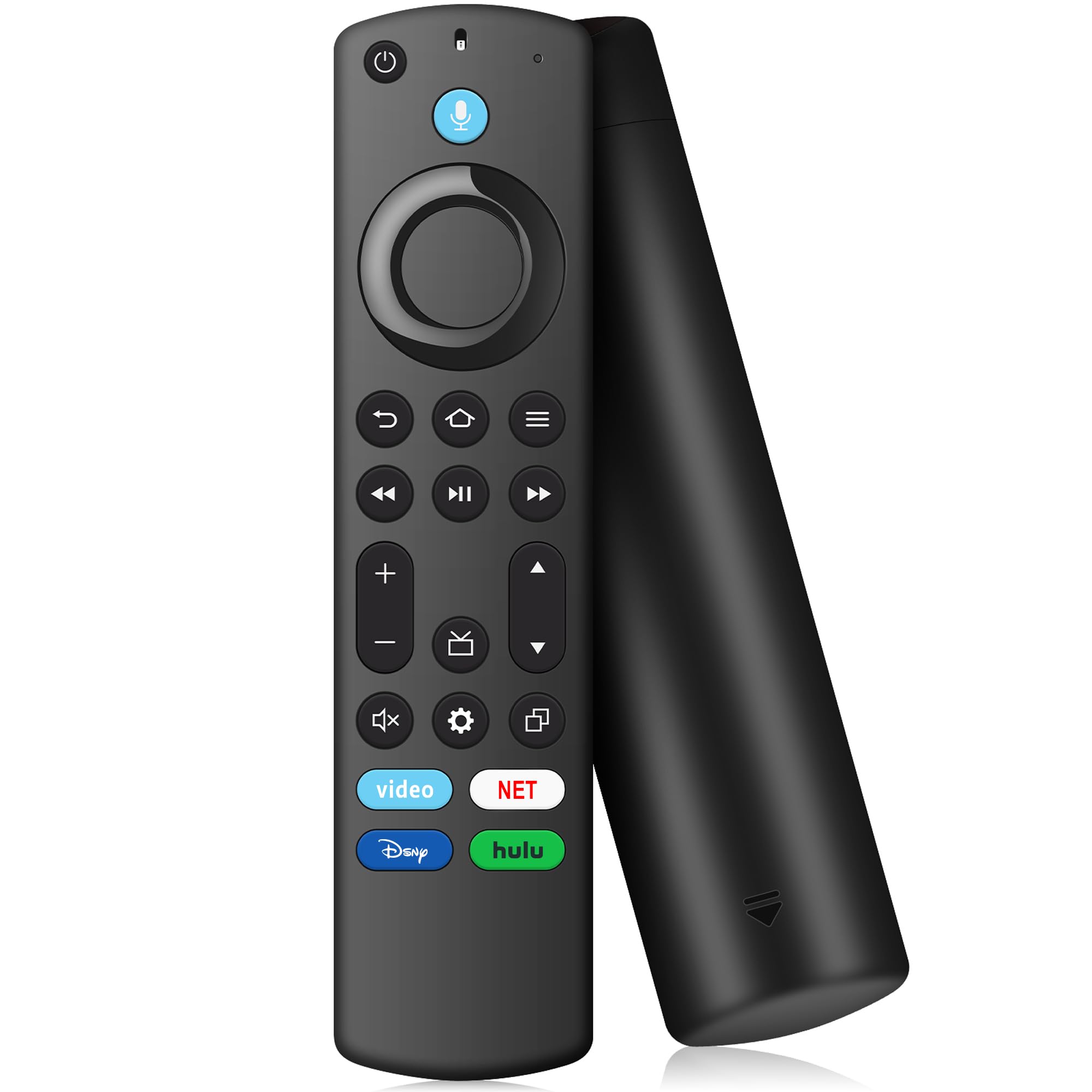
TV Stick Remote for FireStick (HD, 4K, 4K Max, Lite),TV Cube, Remote for Insignia, Omni, QLED Series Fire Smart TVs with Voice
TV Stick Remote for FireStick (HD, 4K, 4K Max, Lite),TV Cube, Remote for Insignia, Omni, QLED Series Fire Smart TVs with Voice
Item Details
Seller

Legacy Bids
Pickup Location
3591 John Peter Lee St
North Las Vegas, NV, 89032
Quality
New
Functional
No Damage
No Assembly Needed
In Package
No Missing Parts
Estimated Retail Price
$8.21
Buyers Premium
15%
Inventory Number
1071083165
Found in
Additional Details from the Manufacturer
This item information is coming from the manufacturer. Some of the details may vary from the Nellis Auction listing. Please check the Quality Rating and Notes for information specific to this listing
brand
Tradocolor
BlackMore features
- Models: Replacement remote for TV stick(2nd Gen/ 3rd Gen), TV Stick 4K(1st Gen/ 2nd Gen), TV Stick 4K Max(1st Gen/ 2nd Gen), TV Stick Lite, TV Stick HD, TV Cube(1st Gen/ 2nd Gen/ 3rd Gen), Remote Compatible with Amz Smart TVs( 3rd gen/2-Series/4-Series/Omni Series/QLED Series Smart TVs), for Toshiba Smart TVs: LF711 / LF621U / LF421U / LF221U / C350 / A810U / A710U / M550 / V35 series, for Insignia-fire Smart TVs: F30 / F20 / F50 / DF710 / DF711 / DF310 / DF510 / DF311 / DF620 series, for Pioneer TVs: PN450 / PN651 / PN851 / PN951 series ect. Not for TCL/Hisence Smart TVs
- Applicable Remote Control: Compatible with Voice remote controls (2nd Gen/3rd Gen/firestick hd/4k series) and for Insignia/Toshiba tv remote controls (NS-RCFNA-21, CT-95018, CT-RC1US-21, NS-RCFNA-19, CT-RC1US-19, etc.)
- Remote with Voice: TV stick remote with voice search function, You can ask it to find your favorite content, Quickly jump to your favorite scenes with standard navigation and playback controls
- How to Pair: First you need to remove tv stick from TV and power from tv stick. Then reattach power and tv stick back in TV. Then Press the Home button about 10-15 seconds until the LED indicator starts to rapidly flash amber for 10 seconds, then your remote will automatically pair with your device
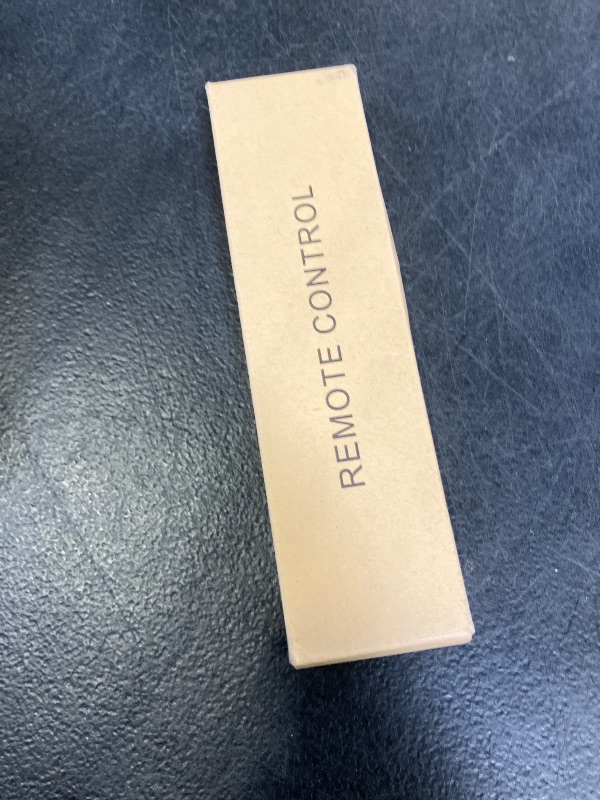
- What You Get: 1 * Voice Remote Control(2 AAA batteries not included),1 * User Manual.if your product doesn't work, please send your message to us, we must give you the best solution in the end
See the deals
Get in on the action, thousands of new items added daily. Bid and win!
Start bidding now