
Explore Productsended
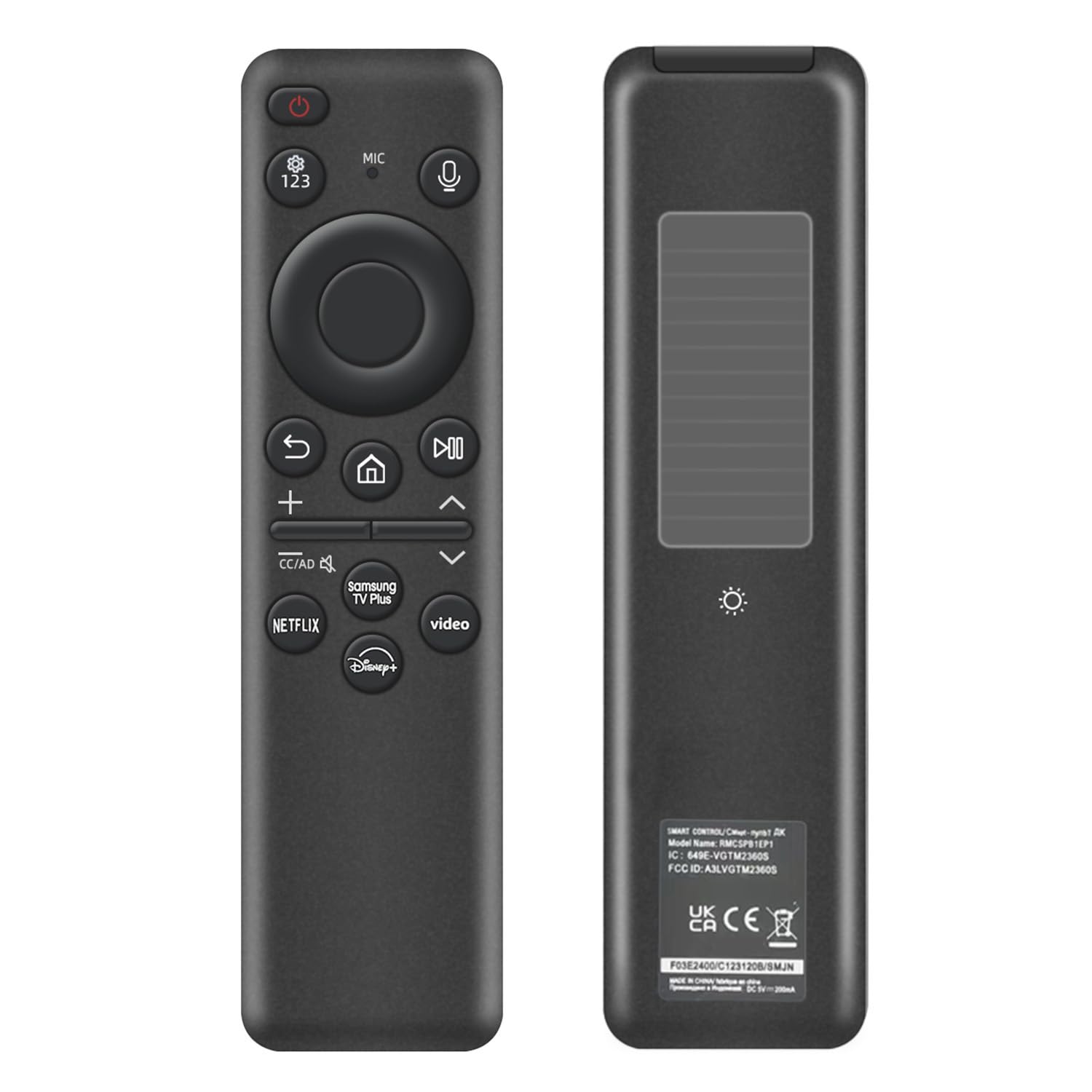
Rechargeable Voice Remote for Samsung Smart TVs, Replacement for 2019–2026 Samsung TV Remote Control. USB-C & Solar Charging. Voice Search. 2-Year Warranty.
Rechargeable Voice Remote for Samsung Smart TVs, Replacement for 2019–2026 Samsung TV Remote Control. USB-C & Solar Charging. Voice Search. 2-Year Warranty.
Item Details
Seller

Nellis Auction
Pickup Location
6520 Westwind Rd, Ste 100
Las Vegas, NV, 89118
Quality
Used
Untested
No Damage
No Assembly Needed
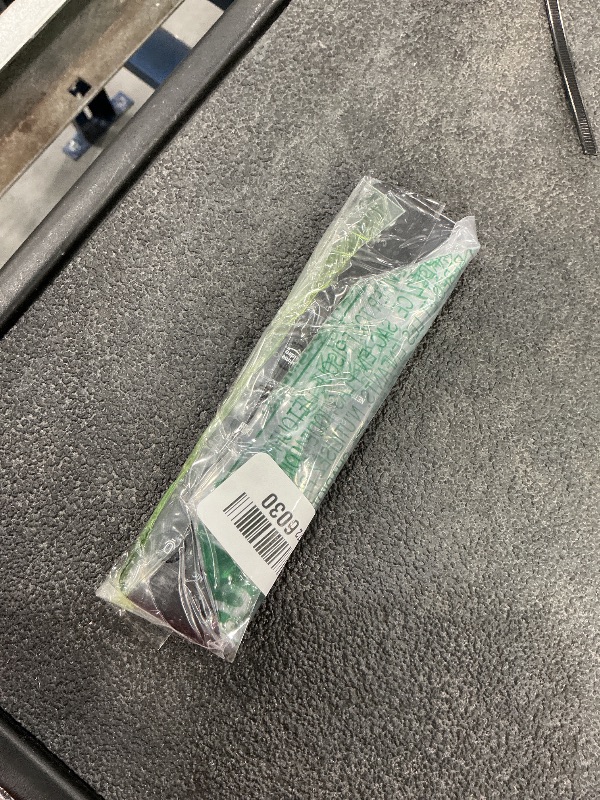
In Package
No Missing Parts
Estimated Retail Price
$28.98
Buyers Premium
15%
Inventory Number
1089491462
Found in
Additional Details from the Manufacturer
This item information is coming from the manufacturer. Some of the details may vary from the Nellis Auction listing. Please check the Quality Rating and Notes for information specific to this listing
brand
Nettechcolor
Blackdimensions
Package: 0.15 lbweight
0.19 lbsMore features
- 【Compatibility】 Designed for Samsung Smart TVs from 2019 to 2026, this rechargeable voice remote is a seamless substitute. 【Important Notice】This remote is compatible with All 2019–2026 Samsung TVs that support voice control. For Samsung TVs that do not support voice control or were released before 2019, the voice control feature on this remote may not function.
- 【Eco-Powered Recharging】No more disposable batteries—this premium remote features both solar and USB-C charging (charging cable included), saving over 16 (8 pairs of) batteries in just five years. With built-in voice control, it’s smart, sustainable, and always ready when you are.
- 【Seamless Voice Control】Use your voice to find the contents you love in seconds. With built-in voice search and one-tap access to top apps, this remote puts your entertainment on speed dial.
- 【2-Year Warranty】Your purchase is backed by a full 2-year warranty. Questions? Please go to your "Orders" -> "View Order Details“ -> "Ask product question". With 30+ years of trusted experience, we stand behind our products and your satisfaction.
- 【Pairing Instructions】Pull out the battery pull tab from the bottom of the remote. Turn on your TV, and aim the remote at the screen. Just hold down “Return” and “Play/Pause” together for 5-7 seconds —when your TV says “Pairing Complete” you’re good to go. If pairing fails, please repeat this step a few times until your TV displays “Pairing Complete”.
See the deals
Get in on the action, thousands of new items added daily. Bid and win!
Start bidding now