
Explore Products
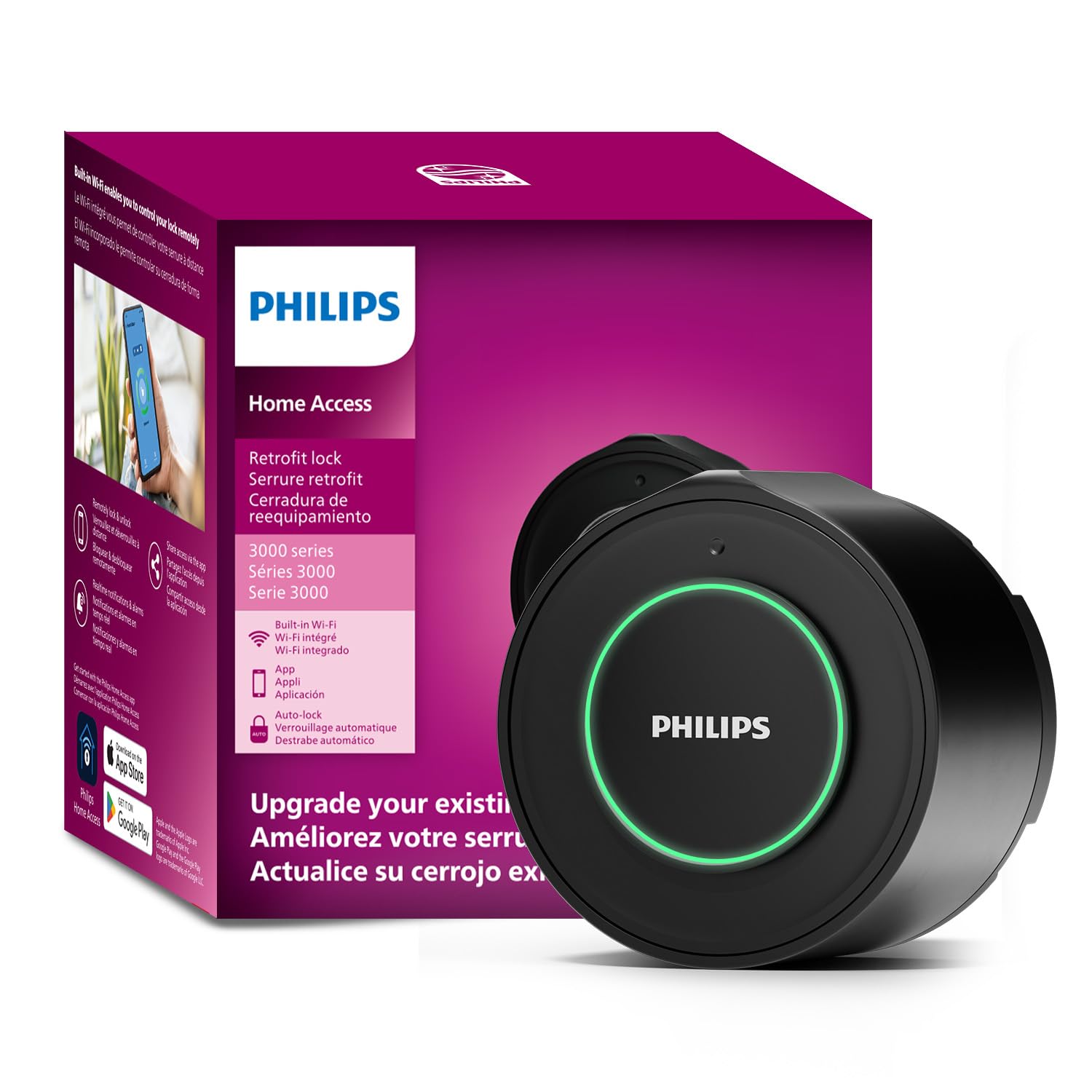
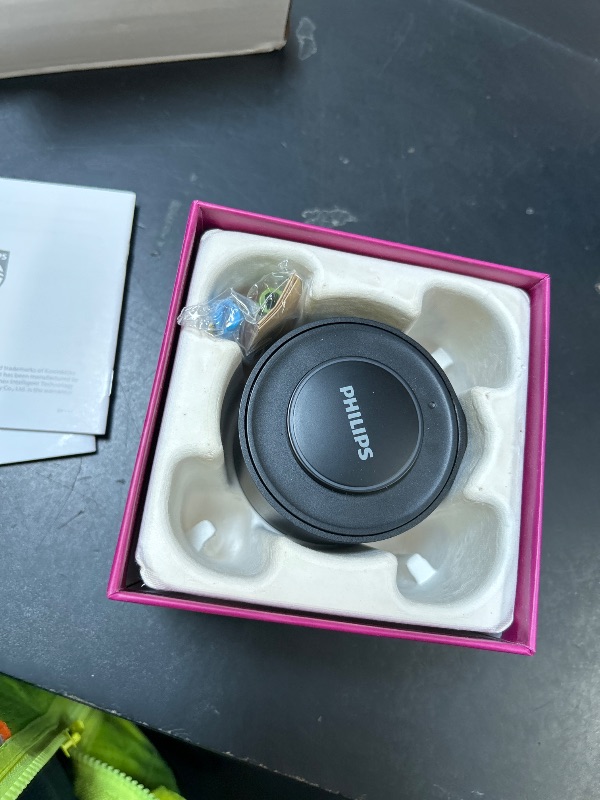
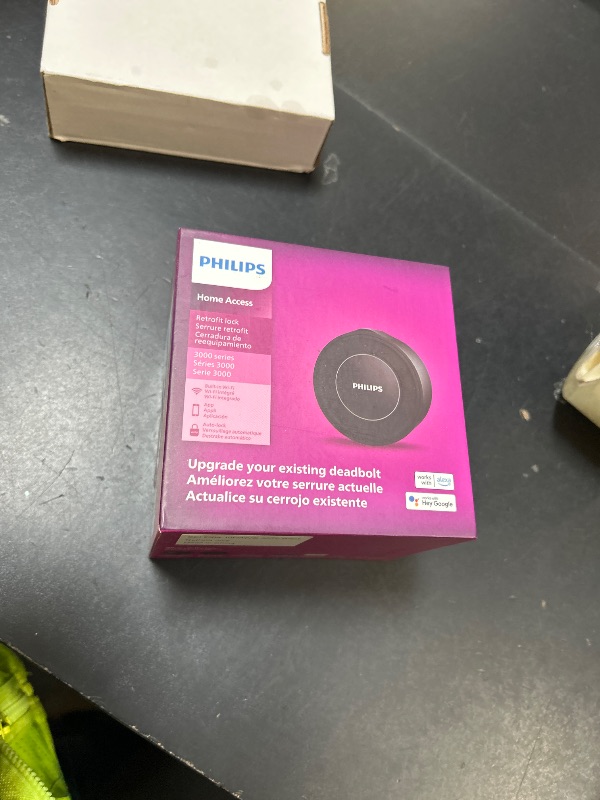
Philips Retrofit Smart Lock 230X, Smart Lock for Existing Deadbolt Built-in WiFi App Remote Control, Upgrade Your Door Lock Keyless Entry for Front Door, Auto Lock, Support Alexa & Google, Black
Philips Retrofit Smart Lock 230X, Smart Lock for Existing Deadbolt Built-in WiFi App Remote Control, Upgrade Your Door Lock Keyless Entry for Front Door, Auto Lock, Support Alexa & Google, Black
Item Details
Seller

Nellis Auction
Pickup Location
7440 Dean Martin Dr Suite 204
Las Vegas, NV, 89139
Quality
New
Functional
No Damage
No Assembly Needed
In Package
No Missing Parts
Auction closes
-Estimated Retail Price
$165.85
Buyers Premium
15%
Inventory Number
1046907504
Found in
Additional Details from the Manufacturer
This item information is coming from the manufacturer. Some of the details may vary from the Nellis Auction listing. Please check the Quality Rating and Notes for information specific to this listing
brand
Philipscolor
Matte BlackMore features
- Upgrade Your Old Lock to Smart with Ease - The Philips Wi-Fi Smart Retrofit Lock transforms your regular deadbolt into a smart one, adding cool features without changing how it looks or the hardware. You can still use your old keys!
- Built-in Wi-Fi, Control Anywhere - No extra gadgets needed. With built-in Wi-Fi, the Philips 3000 Series lock connects straight to your phone. Use the Philips Home Access APP to lock or unlock your door from anywhere. Whether you’re home or out, it’s quick and worry-free.
- Stay Informed & Safe - Get instant alerts on your phone when someone locks or unlocks the door. The APP keeps a record of every lock and unlock event—who did it and when. Check anytime to know what’s going on at home.
- Voice Control with 𝘼𝙡𝙚𝙭𝙖 & 𝙂𝙤𝙤𝙜𝙡𝙚 𝘼𝙨𝙨𝙞𝙨𝙩𝙖𝙣𝙩 - Easily lock and unlock your door using voice commands, just ask Alexa or Google Assistant. Hands-free convenience for smarter living.
- Auto-Locking - Say goodbye to door locking worries! Close the door, and the lock does the work, keeping your home safe automatically.
- Reliable Customer Support: Philips offers comprehensive customer support to assist you with any questions or issues you may have. Phone support (Mon-Fri, 8AM PST, Saturday, 9AM to 5PM PST) & 24/7 Email Assistance.
- How to Set UP App: 1.Download "Philips Home Access" App from Google Play or App Store; 2.Turn on the Bluetooth on your phone and tap the "Add Device" button on the "Philips Home Access" app; 3. Remove the Battery Cover by pressing the indented Circle on the top and pulling the bottom of the Battery Cover; 4.Then scan the QR Code or manually enter the ESN Code located at the back of Battery Cover; 5. Complete pairing and Wi-Fi connection according to instructions in "Philips Home Access" App.
Getting Started
Learn more about bidding, winning, pickup, and more on our video tutorials page.
Visit Video Tutorials