
Explore Productsended
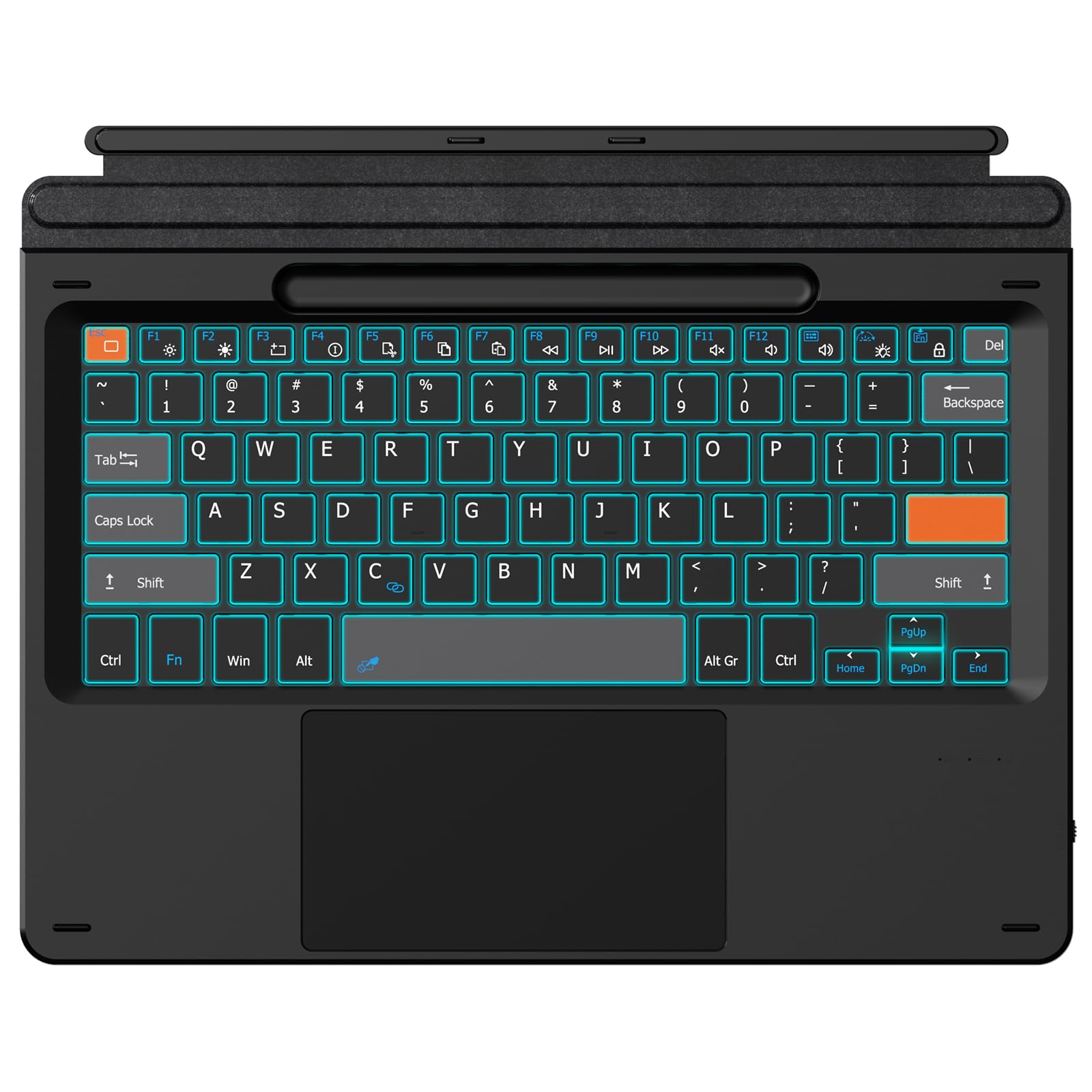
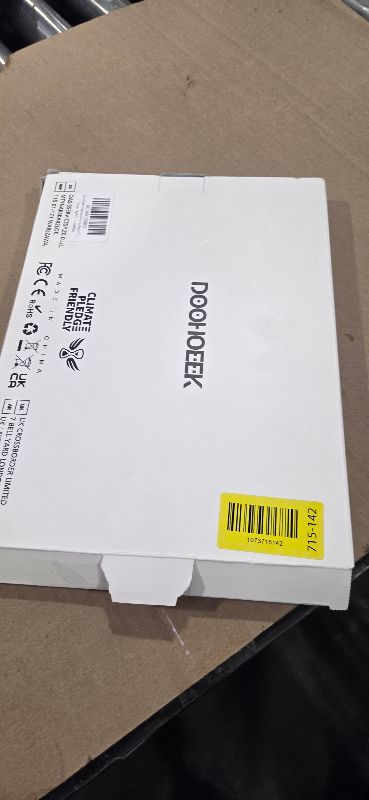
Doohoeek Surface Pro 11/10/9/X/8 13 Inch Keyboard, Bluetooth Keyboard with Touch Pad & Lighting Keys Compatible with Surface Pro 13" Copilot+, Pen & Tablets NOT Included
Doohoeek Surface Pro 11/10/9/X/8 13 Inch Keyboard, Bluetooth Keyboard with Touch Pad & Lighting Keys Compatible with Surface Pro 13" Copilot+, Pen & Tablets NOT Included
Item Details
Seller

Legacy Bids
Pickup Location
3591 John Peter Lee St
North Las Vegas, NV, 89032
Quality
New
Functional
No Damage
No Assembly Needed
In Package
No Missing Parts
Estimated Retail Price
$44.99
Buyers Premium
15%
Inventory Number
1073715142
Additional Details from the Manufacturer
This item information is coming from the manufacturer. Some of the details may vary from the Nellis Auction listing. Please check the Quality Rating and Notes for information specific to this listing
brand
Doohoeekdimensions
Package: 1.10 lbMore features
- Watch Before Buy: Surface Pro 8 has 12.3-inch version, this keyboard dose NOT fit Surface Pro 8 12.3", ONLY fit surface pro 8 13". The keyboard CAN'T charge pens. This keyboard ONLY works on surface pro 13-inch devices. WRONG models will cause magnet issue. The keyboard is charged via USB-C Cable, NOT supports official smart charge to tablet.
- Surface Pro Exclusive Precision: Smart magnetic alignment snaps to 13-inch Pro 11 / Pro 10 / Pro 9 / Pro X /Pro 8 13" edges. No bulky cases or tools needed – just attach and type.
- Can't Connect the Bluetooth? Please reset the keyboard and then reconnect the Bluetooth: 1. Turn on the keyboard; 2. Press and hold the first and the last key at the top row of the keyboard until all indicators flash; 3.Press fn and C to enter Bluetooth pairing mode; 4. Search and find "Wireless keyboard".
- Stable Bluetooth Connection: Advanced chip and latest Bluetooth 5.3 reduces latency and stays connected even in crowded cafes.
- Win 11-Ready Touch Pad: Swipe apps instantly, activate virtual desktop control, all Windows 11 gestures are supported. The trackpad also detects accidental touches - cursor stays solid while typing. Note: You could go settings -touchpad to adjust trackpad sensitivity.
See the deals
Get in on the action, thousands of new items added daily. Bid and win!
Start bidding now