
Explore Products
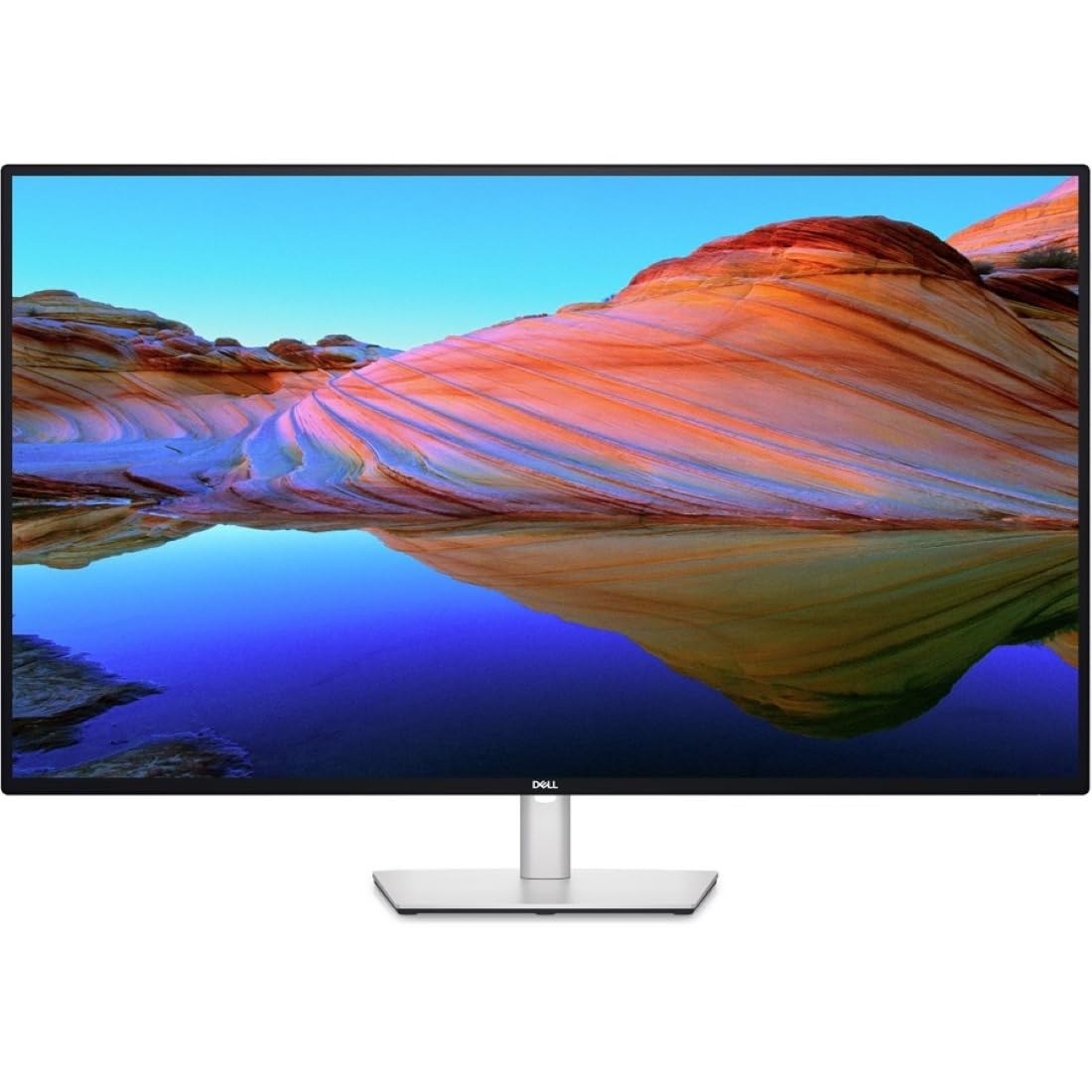
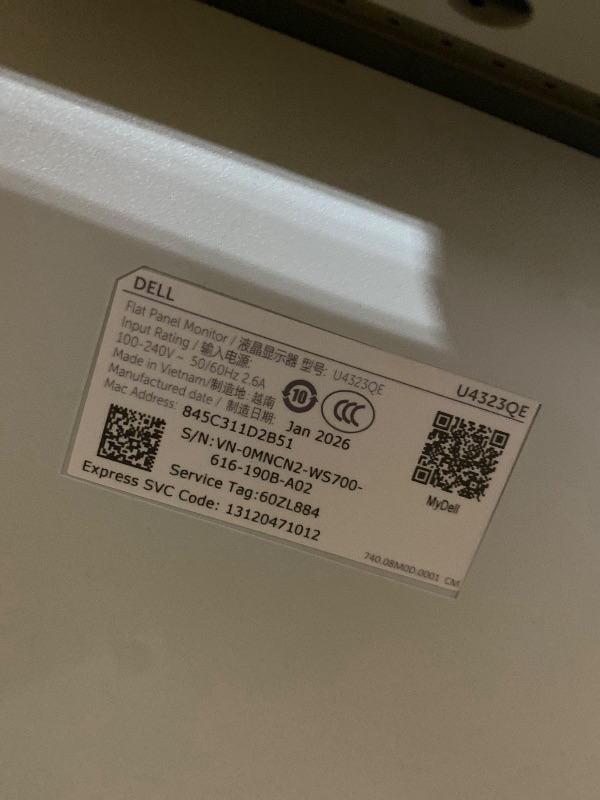
Dell UltraSharp 43 4K USB-C Hub Monitor - U4323QE
Dell UltraSharp 43 4K USB-C Hub Monitor - U4323QE
Description
42.5" Viewable - In-plane Switching (IPS) Technology - LED Backlight - 3840 x 2160 - 1.07 Billion Colors - 350 Nit - 5 ms - 75 Hz Refresh Rate - HDMI - DisplayPort - USB Hub, KVM Switch
Item Details
Seller

Nellis Auction
Pickup Location
4031 Market Center Dr Suite 303
North Las Vegas, NV, 89030
Quality
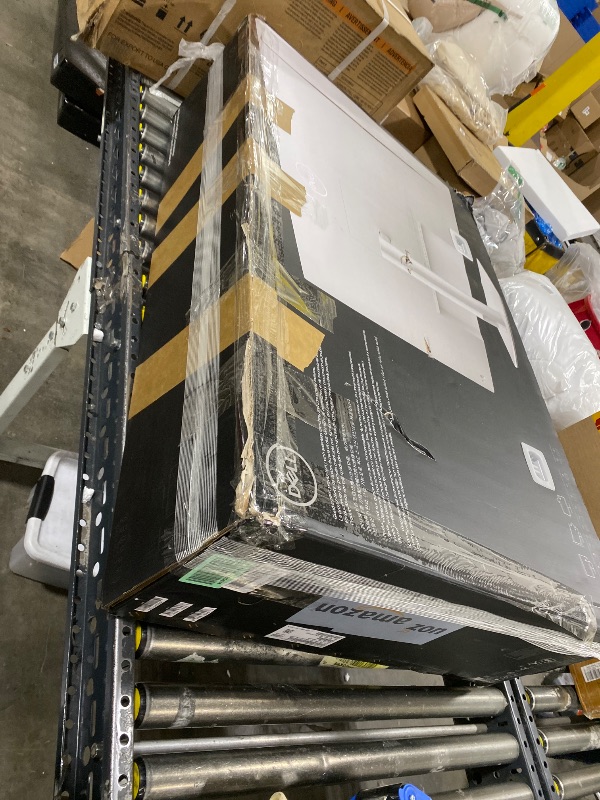
New
Functional
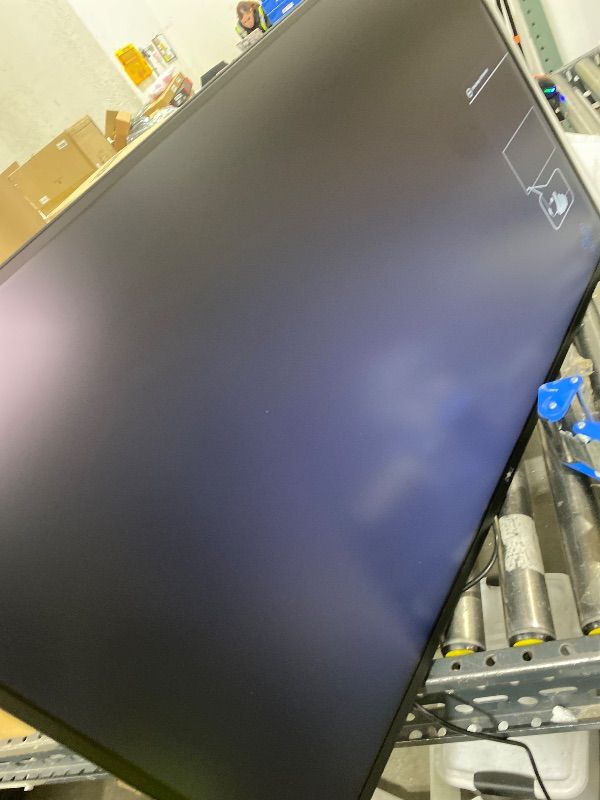
No Damage
Assembly Required
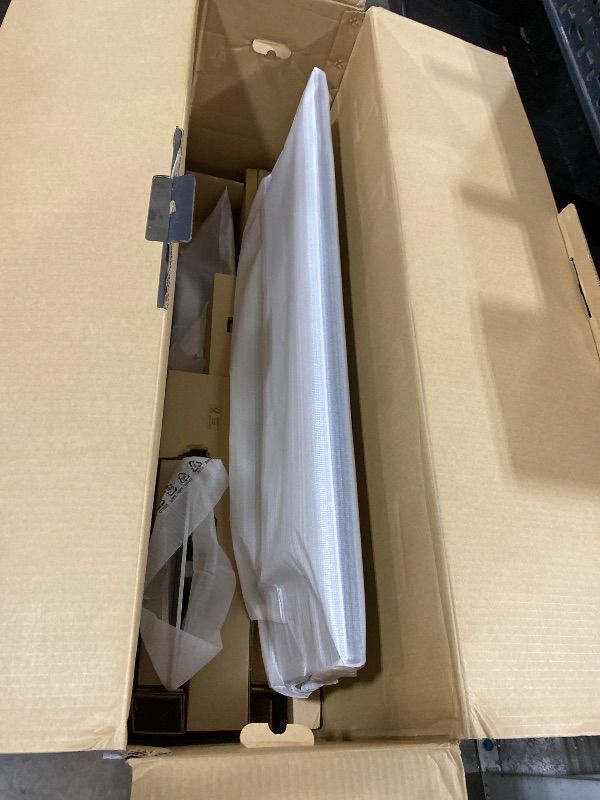
In Package
No Missing Parts
Auction closes
-Estimated Retail Price
$956.51
Buyers Premium
15%
Inventory Number
1076221543
Additional Details from the Manufacturer
This item information is coming from the manufacturer. Some of the details may vary from the Nellis Auction listing. Please check the Quality Rating and Notes for information specific to this listing
brand
Dellcolor
Information Not Availablesize
22.1" x 38.1" x 2.5"weight
54.50 lbsMore features
- Meet the monitor designed for more. More seamless productivity. More connectivity than ever. More considerate of the environment.
- Expand your productivity by organizing your display in up to four unique FHD partitions via Internal Multi-Stream Transport (iMST) when connected to a single PC. No external software or DisplayPort splitter needed.
- Work on four different PCs using a single keyboard and mouse. KVM and Auto KVM enable seamless switching from one PC input to another.
- Share content from multiple PCs simultaneously in a huddle setup.
- Enjoy the convenience of front-facing, pop-out USB-A and USB-C (15W charging) ports to connect your peripherals. When you are done, just pop the ports back in to maintain a clean look


Getting Started
Learn more about bidding, winning, pickup, and more on our video tutorials page.
Visit Video Tutorials