
Explore Productsended
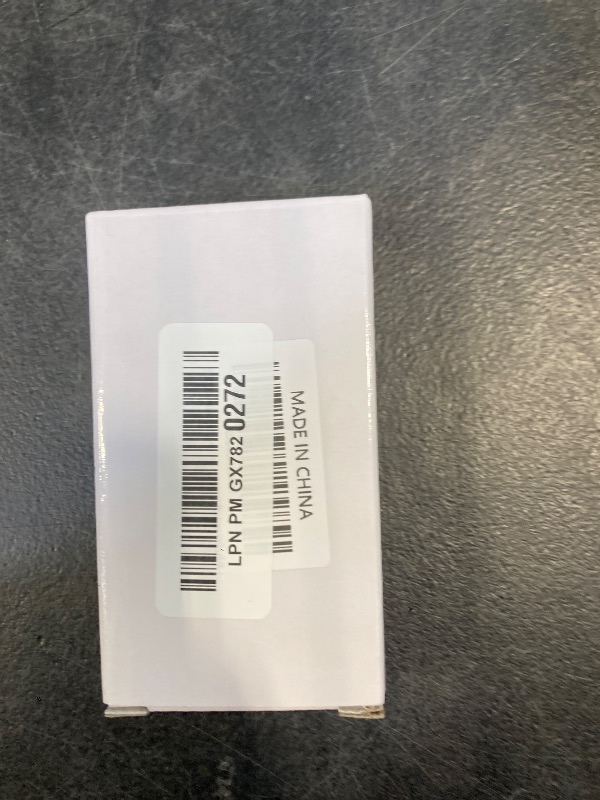
DUEQID Wireless Adapter for Controller Xbox, Bluetooth Adapter for Controller Xbox One/Xbox One X S/Xbox Series X S/Elite, Compatible with Windows 10/11/8/8.1/7
DUEQID Wireless Adapter for Controller Xbox, Bluetooth Adapter for Controller Xbox One/Xbox One X S/Xbox Series X S/Elite, Compatible with Windows 10/11/8/8.1/7

Item Details
Seller

Legacy Bids
Pickup Location
3591 John Peter Lee St
North Las Vegas, NV, 89032
Quality
New
Functional
No Damage
No Assembly Needed
In Package
No Missing Parts
Estimated Retail Price
$17.93
Buyers Premium
15%
Inventory Number
1071059989
Found in
Additional Details from the Manufacturer
This item information is coming from the manufacturer. Some of the details may vary from the Nellis Auction listing. Please check the Quality Rating and Notes for information specific to this listing
brand
DUEQIDcolor
Blackweight
0.04 lbsMore features
- The product is made of original chips,It can use existing controllers and accessories for Windows 10/11/8/8.1/7. Not compatible with X 360 controllers. (Note: You may need to download a driver for the first time use.When using the Steam platform, some games require enabling the controller connection in the game settings.)
- You can use up to 8 controllers, 4 single-channel headphones or 2 stereo headphones at the same time. Wireless Bluetooth connection, stable transmission, high performance.
- Play your wireless controller on Windows/Laptops/Tablets. Simply connect the adapter to your wireless controller to deliver the same gaming experience you've come to expect from the X One, including in-game chat and high-quality stereo audio.
- Plug and play USB, plug in, pair, use immediately. Plug the Xbox One adapter into the USB port of the PC/laptop, wait 10 seconds to install the Windows 10 driver (Win7/8 needs to install the driver manually), then press the adapter button for 3 seconds and press the controller button, the light flashes and when the light turns on, it means the pairing was successful.
- Ergonomic design, compact and lightweight. If you encounter issues while using certain games or platforms, please do not hesitate to contact us. We will resolve the problem for you as quickly as possible..
See the deals
Get in on the action, thousands of new items added daily. Bid and win!
Start bidding now