
Explore Productsended
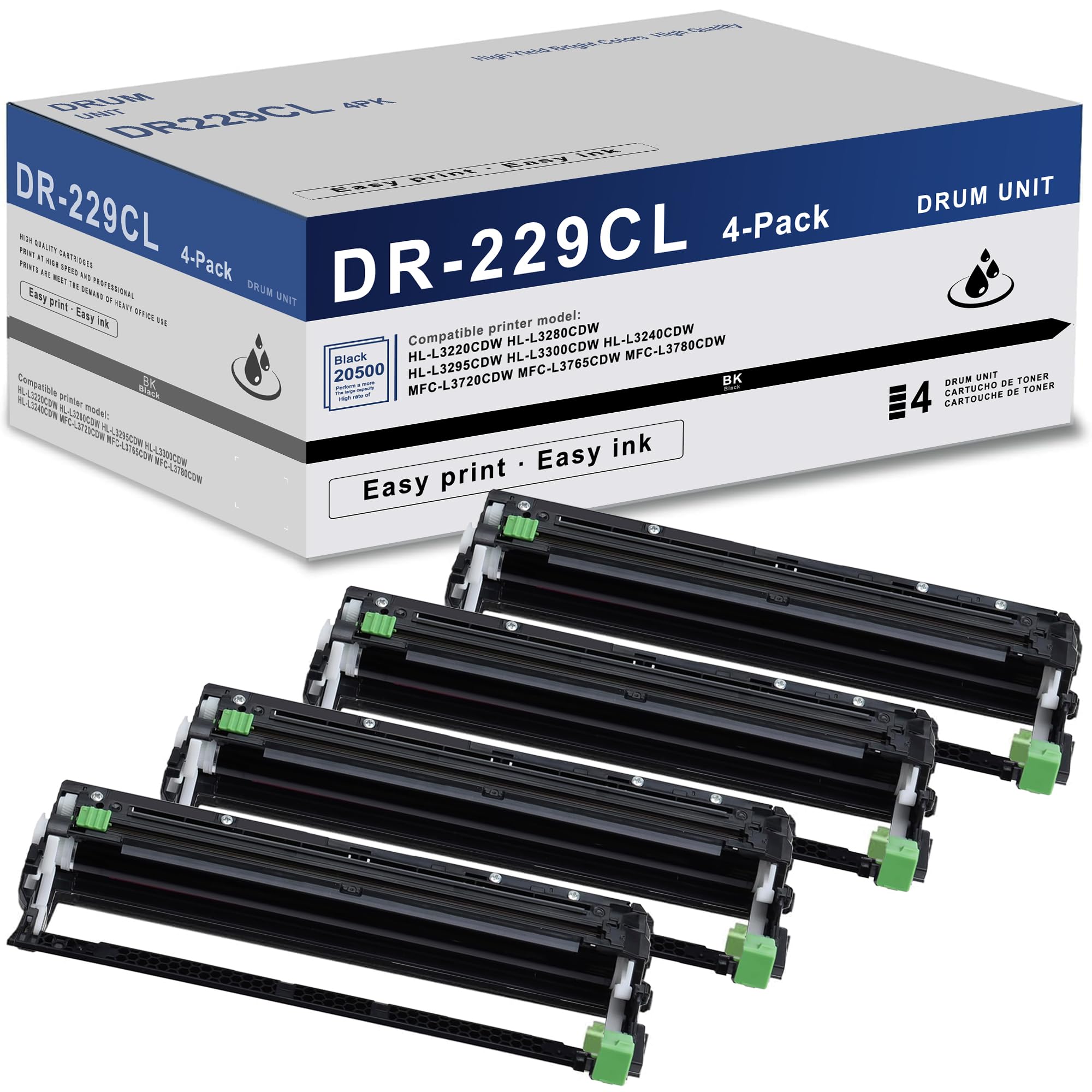
DR229CL Drum Unit (NOT Toner) 4 Pack Super High Yield Replacement for Brother DR229 DR 229CL DR-229CL Drum Unit for MFC-L3780CDW MFC-L3720CDW MFC-L3765CDW HL-L3220CDW HL-L3280CDW HL-L3295CDW Printer
DR229CL Drum Unit (NOT Toner) 4 Pack Super High Yield Replacement for Brother DR229 DR 229CL DR-229CL Drum Unit for MFC-L3780CDW MFC-L3720CDW MFC-L3765CDW HL-L3220CDW HL-L3280CDW HL-L3295CDW Printer
Item Details
Seller

Nellis Auction
Pickup Location
7440 Dean Martin Dr Suite 204
Las Vegas, NV, 89139
Quality
New
Functional
No Damage
Assembly Required
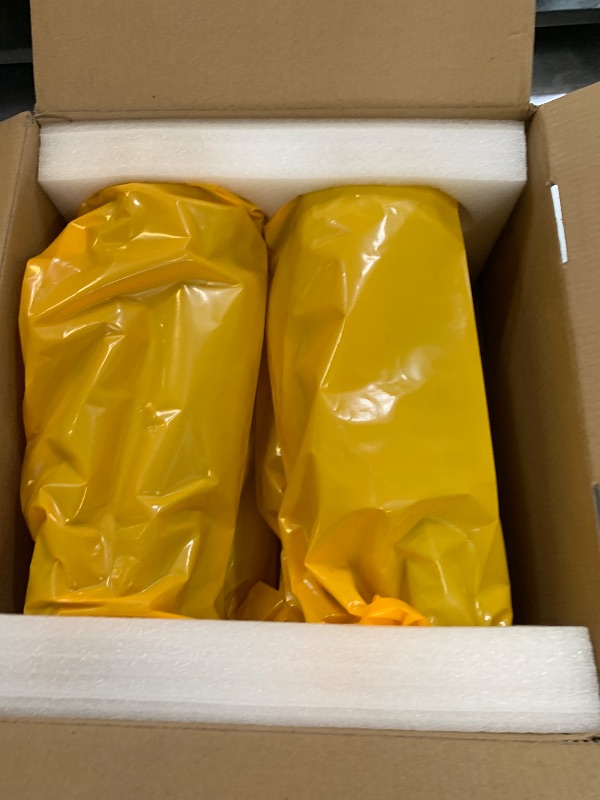
In Package
No Missing Parts
Estimated Retail Price
$145.07
Buyers Premium
15%
Inventory Number
1059974603
Additional Details from the Manufacturer
This item information is coming from the manufacturer. Some of the details may vary from the Nellis Auction listing. Please check the Quality Rating and Notes for information specific to this listing
brand
TANFENJRcolor
DR229CL 4Pack drum unitsize
otherweight
2.23 lbsMore features
- Package Contents : 4 Pack Compatible DR229CL Drum Unit Set
- Print the number of pages: Up to 20,500 Pages per DR-229CL Drum Unit print (based on 5% coverage)
- Compatible for printer models: HL-L3220CDW HL-L3280CDW HL-L3295CDW HL-L3300CDW HL-L3240CDW MFC-L3720CDW MFC-L3765CDW MFC-L3780CDW Printer
- Quality assurance: fine particles, every detail is clear, clear printing picture and text, high brightness printing, always stable, every product through our strict screening
- Install the New DR229CL Drum Unit: Make sure the machine is turned on >Press and hold(Toner) for about five seconds>Press Drum>Select the toner color for the drum unit you just replaced>Press Yes; align and slide the new drum unit into the printer until it clicks into place
Online Reviews
4.7/5
Based on 11 ratings
This score is based on 11 recent reviews from online retailers.
Be sure to check our Quality Rating and Notes above for more details on this listing.

See the deals
Get in on the action, thousands of new items added daily. Bid and win!
Start bidding now