
Explore Products
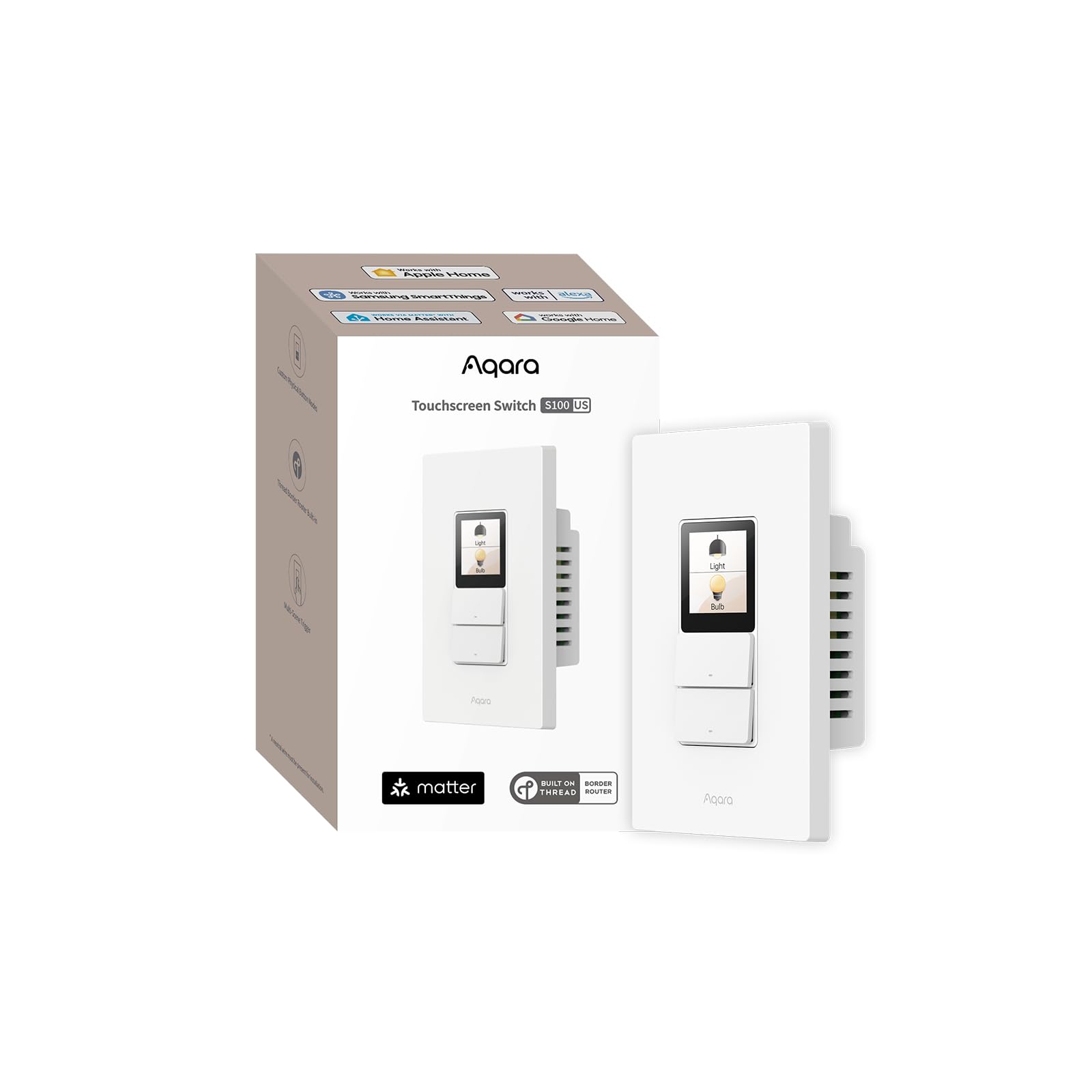
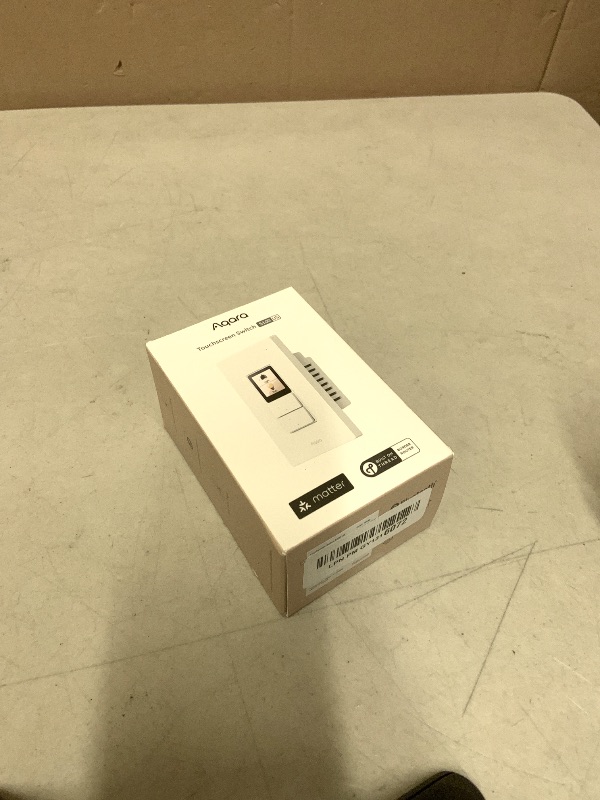
Aqara Touchscreen Switch S100 US, LCD Smart Light Switch, Matter Hub Required, 8 Wireless Buttons, Native Matter Over Wi-Fi, Built-in Thread Border Router, Works with Apple Home, Alexa & Google Home
Aqara Touchscreen Switch S100 US, LCD Smart Light Switch, Matter Hub Required, 8 Wireless Buttons, Native Matter Over Wi-Fi, Built-in Thread Border Router, Works with Apple Home, Alexa & Google Home
Item Details
Seller

Nellis Auction
Pickup Location
4000 Meadows Ln
Las Vegas, NV, 89107
Quality
New
Functional
No Damage
Assembly Required
In Package
No Missing Parts
Auction closes
-Estimated Retail Price
$80.15
Buyers Premium
15%
Inventory Number
1055667325
Found in
Additional Details from the Manufacturer
This item information is coming from the manufacturer. Some of the details may vary from the Nellis Auction listing. Please check the Quality Rating and Notes for information specific to this listing
brand
Aqaracolor
WhiteMore features
- Native Matter Support, Ready Over Wi-Fi:Built for the future of smart homes. With native Matter support over Wi-Fi and a built-in Thread Border Router, the S100 connects immediately with major ecosystems including Apple Home, Alexa, Google Home, SmartThings, and Home Assistant. Enjoy stable, responsive control across platforms. *To use the device with a particular Matter ecosystem, a Matter hub of the ecosystem is required. To use it in Aqara Home, make sure the device is updated to the latest firmware and an Aqara Matter hub (only Hub M3, M100, M200, W200 is supported by launch) with firmware 4.5.30 or above is present and set as the primary Matter controller.
- LCD Screen with Fully Custom Display:Upgrade your wall switch into a smart home command center. The large, vibrant color LCD screen shows scenes and devices as desired, with a a screensaver standing by when idle. Personalize device layout and standby wallpaper to match your home and lifestyle. It looks modern, feels intuitive, and blends beautifully into any room.
- Elegant Screen + Button Harmony: Combine the elegance of a touchscreen with the reliability of physical buttons for ultimate flexibility. Two good-old-fashion physical buttons, plus 3 programable button modes with a customizable display layout, all in one smart wall command center. It retains the same feel of just flipping a switch, but with additional smart features. For the 3 physical buttons, you can choose from Dual Mode, Standard Mode, or Wireless Mode to fit your setup.
- 8 Wireless Buttons for Scenes & Routines: The S100 is both a simple switch and a powerful scene controller. The S100 includes 2 wired switches (that can also function as wireless triggers) plus 6 additional on-screen wireless buttons, giving you up to 8 programmable scene triggers.
- Master Control of Devices & Scenes: Tired of flipping multiple switches? Control your Matter devices, Aqara Zigbee devices, lights, plugs, and automations directly from the screen. Create custom scenes like “Good Morning,” “Movie Night,” or “All Off” and activate them instantly. It brings all your smart home controls into one easy, visual interface right on the wall. *Device/scene control, and relevant card layout configuration are only available via the Aqara Home app, please make sure the Aqara's Matter hub firmware is above 4.5.30 (only Hub M3, M100, M200, W200 is supported by the time of launch).
- Track & Record Energy Use: Know exactly how much energy your lights are using. View real-time power consumption and track daily or monthly use trends directly in the app. Identify waste, optimize schedules, and build a more energy-efficient home with clear, actionable insights.


Getting Started
Learn more about bidding, winning, pickup, and more on our video tutorials page.
Visit Video Tutorials