Explore Productsended
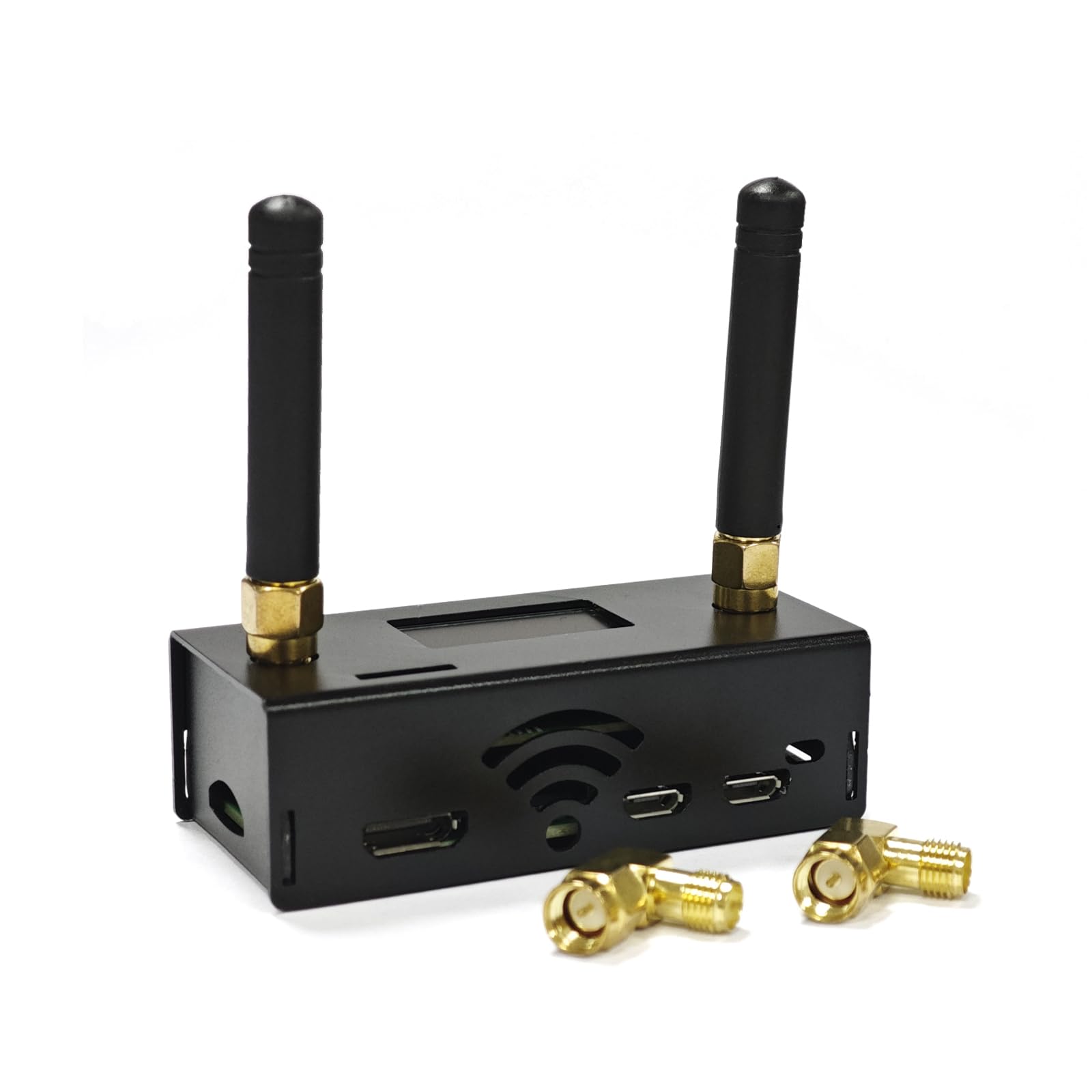
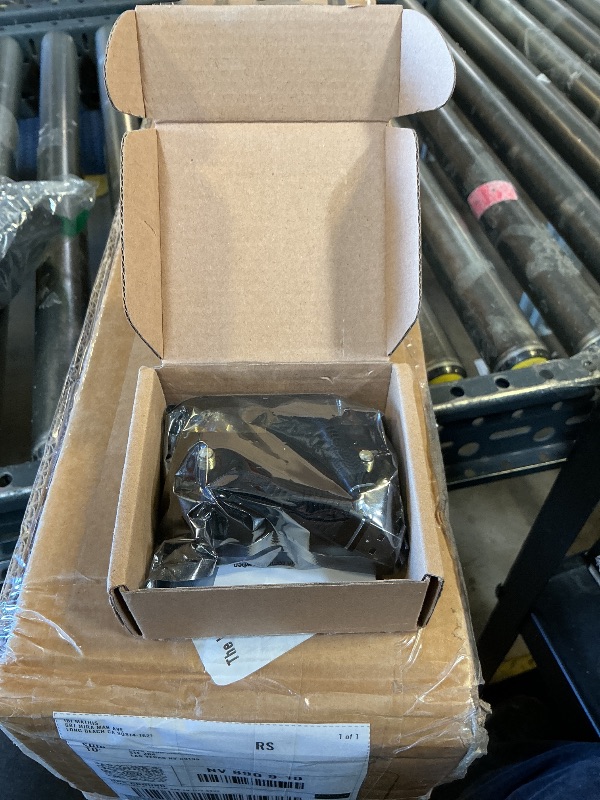
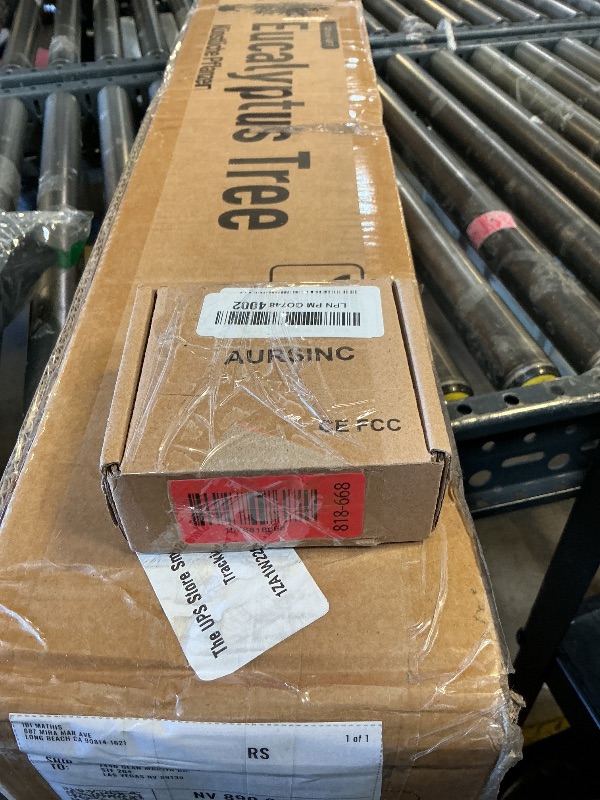
AURSINC Upgraded MMDVM Duplex Hotspot Spot Radio Station WiFi Digital Voice Modem Work Contained with Raspberry Pi Zero 2W, Supports C4FM YSF POCSAG NXDN DSTAR P25 DMR, Pi-Star/WPSD
Ended
-
Won For
$100
Item Details
Seller

Nellis Auction
Pickup Location
7440 Dean Martin Dr Suite 204
Las Vegas, NV, 89139
Quality
Used
Functional
No Damage
Assembly Required
In Package
No Missing Parts
Estimated Retail Price
$140.12
Buyers Premium
15%
Inventory Number
1078818668
Found in
Additional Details from the Manufacturer
This item information is coming from the manufacturer. Some of the details may vary from the Nellis Auction listing. Please check the Quality Rating and Notes for information specific to this listing
brand
AURSINCcolor
Blackdimensions
Package: 0.24 lbMore features
- Dual-Band Support: Upgraded duplex design: TX (Transmit) and RX (Receive) are default 0, no need to set offsets. Covers UHF band 433-900MHz and VHF band 144-146MHz (including 144-148, 219-225, 420-475, 842-950MHz), ideal for 430-440MHz amateur band. Supports Pi-Star control modes: Duplex/Simple
- Compatibility: Supports C4FM, YSF, NXDN, D-STAR, P25, and DMR protocols, defaulting to UHF work. Please note: Not compatible with Baofeng UV series (UV-5R, 5R+, 5R Plus) and BF series (RD-5R, 5X). Our test was done in DMR mode; adjust working mode parameters as needed for other modes.
- WiFi Connection: Pi Zero 2W only supports 2.4GHz WiFi SSID (5.8GHz not supported). Ensure WiFi password type is WPA (not WEP). Power on the hotspot for 2 minutes to auto-connect to your router. After power-on, access the configuration page via pi-star/admin/configure.php
- Effortless Setup: Equipped with Raspberry Pi Zero 2W for faster processing, smoother WiFi, and enhanced stability. Pi-Star software is preloaded on TF card—no repeated downloads. Onboard LED indicators show real-time status (Tx/Rx/PTT/operating mode). For continuous screen display, select "OLED Type 3" in Pi-Star "Display Type" and set port to "Modem"
- Upgrade Mode Operation: Press and hold the BOOT button to power on the device. Or press and hold the BOOT button at any time, then press the RST button briefly and release it. When the SVC light goes off, the device enters the upgrade mode (Access path: pi-star / Expert / SSH Access; Username: pi-star; Password: radpberry). You can execute the upgrade command directly without setting jumpers. (Execute in the Pi-star terminal): sudo pistar-mmdvmhshatflash hs_dual_hat


See the deals
Get in on the action, thousands of new items added daily. Bid and win!
Start bidding now