
Explore Productsended
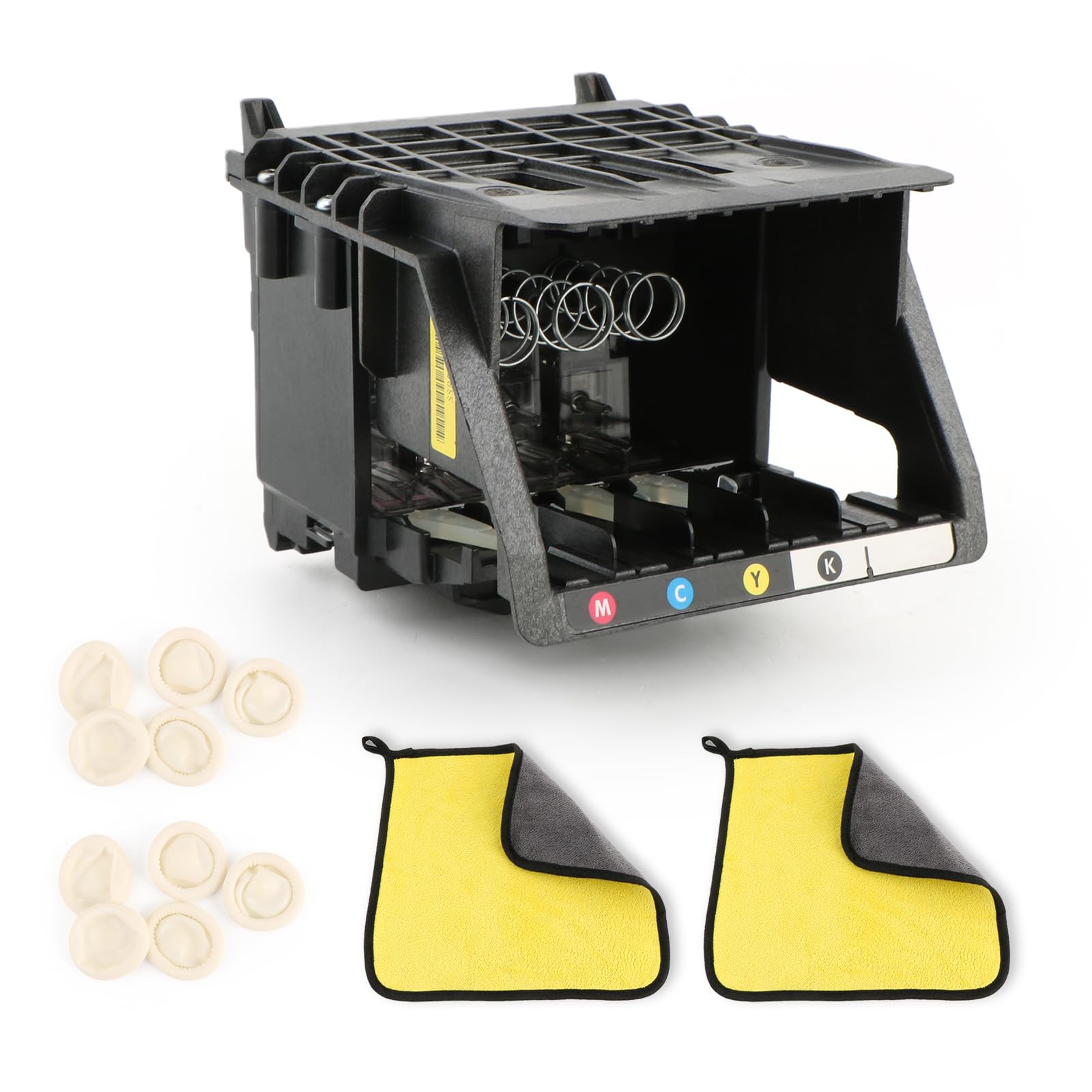
951 950 Printhead Replacement for HP Officejet Pro 8610 8600 Printhead for HP Officejet Pro 8100 8620 8630 8660 8625 8635 8640 8650 251DW 276DW Printer Replacement Accessories (with Chip)
951 950 Printhead Replacement for HP Officejet Pro 8610 8600 Printhead for HP Officejet Pro 8100 8620 8630 8660 8625 8635 8640 8650 251DW 276DW Printer Replacement Accessories (with Chip)
Item Details
Seller

Nellis Auction
Pickup Location
4031 Market Center Dr Suite 303
North Las Vegas, NV, 89030
Quality
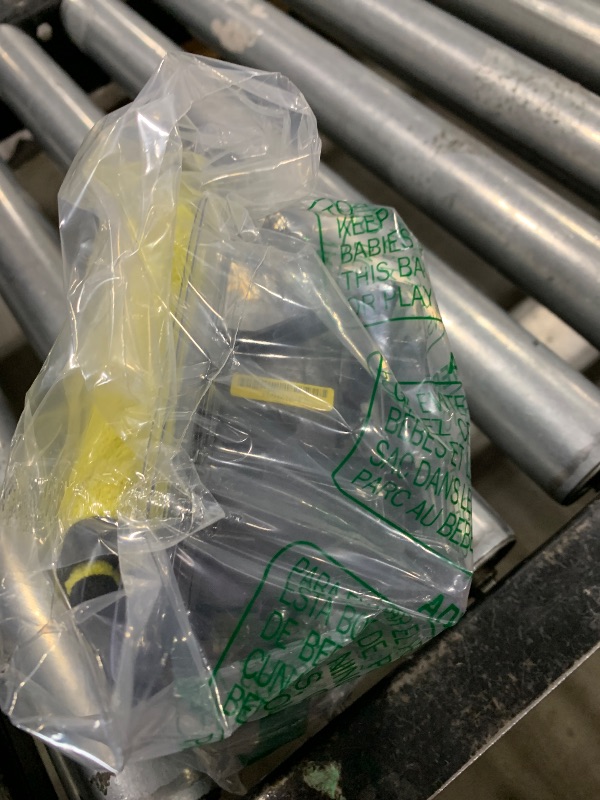
Used
Functional
No Damage
No Assembly Needed
In Package
No Missing Parts
Estimated Retail Price
$86.52
Buyers Premium
15%
Inventory Number
1080658091
Additional Details from the Manufacturer
This item information is coming from the manufacturer. Some of the details may vary from the Nellis Auction listing. Please check the Quality Rating and Notes for information specific to this listing
brand
YWLRONGdimensions
Package: 0.60 lbMore features
- Compatibility: The 950 951 Printhead Replacement arecompatible with HP Officejet Pro 8100 8600 8610 8620 8630 8660 8625 8635 8640 8650 251DW 276DW, please must confirm the correct model.
- With Chips: For HP Oficejet Pro 8600 printhead which comes with new version chip, compatible with the printer and do not need reset required., has higher stability.Please do not touch the chip when installing the printhead.
- High Quality: For HP Oficejet Pro 8610 printhead are made of good matarial and accurate design to produce. It can be used immediately after installation, ensuring clear printing, accurate recognition, and stable, smooth printing. The printed results are rich in color with no color difference. Comes with cleaning tools help to clean up the printer.
- Installation Preparation: ①Before replacing the 950 printhead for HP Officejet Pro 8600, the ink tank valve must be closed. After replacement, the valve can be opened before normal use. ②Please take good care of the printhead surface after receiving the new printhead. Dropping it can easily cause damage and render it unusable. ③Check whether the mainboard is functioning properly. ④Check whether the ink cartridge has enough ink.
- Installation Checking: After installing the 950 printhead for HP Officejet Pro 8610 may contain a small amount of air due to shipping, so they may not print immediately. which is normal; printing will only resume after the air is expelled. You can clean the printhead first (ensuring the ink cartridge has sufficient ink) and then check if the air has been completely expelled. A printhead that prints three full test pages is considered normal and can then be used normally.
See the deals
Get in on the action, thousands of new items added daily. Bid and win!
Start bidding now