
Explore Productsended
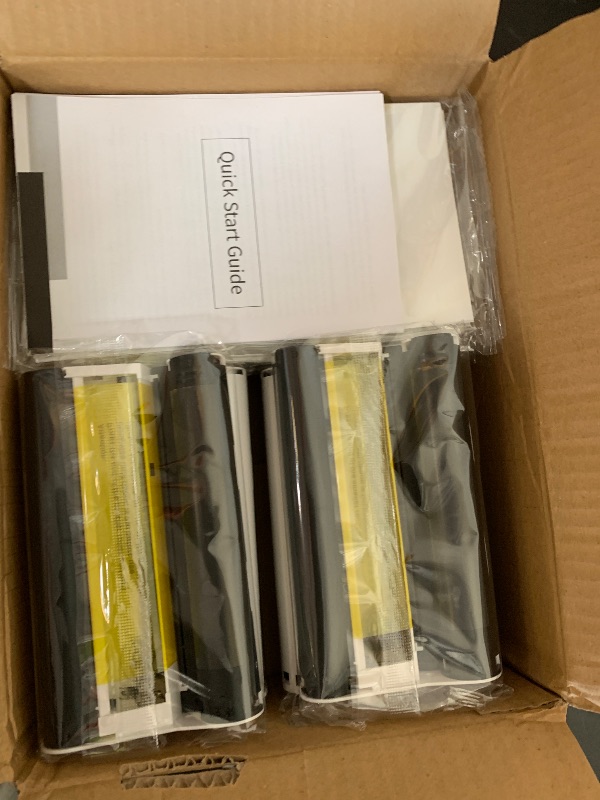
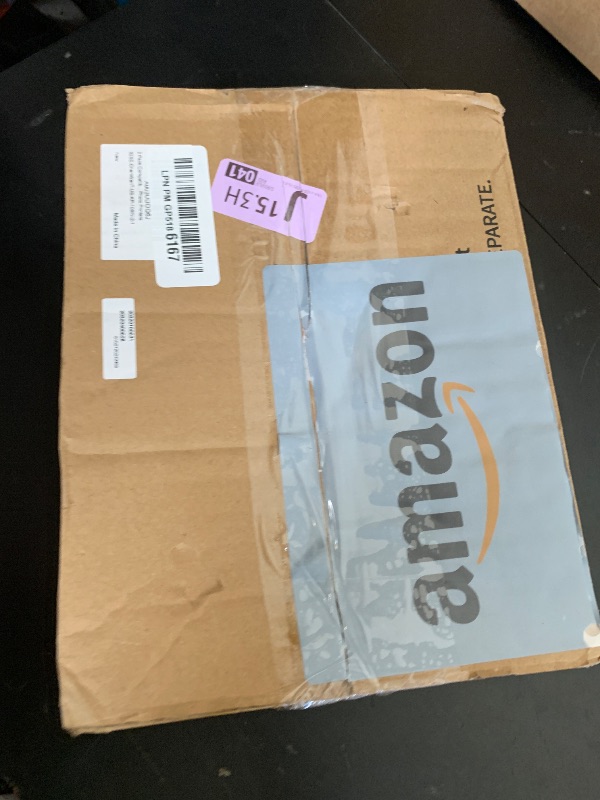
2 Pack Compatible for Canon Selphy CP1500 Ink and Photo Paper KP-108IN KP108 Includes 6 Ink Cassettes + 216 Paper Sheets for Canon Selphy CP1300 CP1200 CP910 CP900 CP1000 Photo Printers
2 Pack Compatible for Canon Selphy CP1500 Ink and Photo Paper KP-108IN KP108 Includes 6 Ink Cassettes + 216 Paper Sheets for Canon Selphy CP1300 CP1200 CP910 CP900 CP1000 Photo Printers

Item Details
Seller

Nellis Auction
Pickup Location
7440 Dean Martin Dr Suite 204
Las Vegas, NV, 89139
Quality
New
Functional
No Damage
Assembly Required
In Package
No Missing Parts
Estimated Retail Price
$64.99
Buyers Premium
15%
Inventory Number
1078390567
Additional Details from the Manufacturer
This item information is coming from the manufacturer. Some of the details may vary from the Nellis Auction listing. Please check the Quality Rating and Notes for information specific to this listing
brand
Wonfoucscolor
Black on Whitesize
6 Ink and 216 Photo Paperdimensions
Item: 6.0 × 4.0 × 0.0 in · Package: 3.13 lbMore features
- 2 Pack Replacement for Canon selphy cp1300 ink and paper set includes 6 color ink cassettes and 216 sheets 4x6 photo paper glossy. Postcard size papers: 100 x 148 mm (4" x 6"). Model: KP-108IN KP108 ink and paper set
- Compatible with Canon selphy cp series photo printers: CP1300 CP1200 CP1000 CP1500 CP910 CP900 CP820 CP810 CP800 CP790 CP780 CP770 CP760 CP740 CP730 CP720 CP710 CP600 CP510 CP400 CP330 CP300 CP220 CP200 CP100
- Using dye sublimation technology, the compatible with Canon selphy paper dries immediately and is covered with a protective film after printing. It can effectively ensure that the surface of the photo paper is smudge free and withstand water, keep the color bright and do not fade, and keep it longer. The smooth printing make it more professional
- The compatible with Canon selphy cp1300 paper prints postcard size - 4 x 6 inch. You could use it at home, office and everywhere, printing out colorful pictures to record every beautiful moment in your life on photo after photo
- Warm tips: 1. If the ink cartridge ribbon is loose, it is necessary to tighten the ink roller before installation to avoid jamming. 2. Install the ribbon after turning on the printer, and then removing it when you finished the printing, it can effectively avoid waste of ribbon
Online Reviews
4.6/5
Based on 16 ratings
This score is based on 16 recent reviews from online retailers.
Be sure to check our Quality Rating and Notes above for more details on this listing.
See the deals
Get in on the action, thousands of new items added daily. Bid and win!
Start bidding now