'/%3e%3cpath%20class='cls-1'%20d='M102.9367,9.2805V25.6767L89.918,9.2805H88.1572V29.487h2.1359V13.0908l12.99,16.3962h1.7609V9.2805ZM113.762,27.64V20.1341h10.45V18.3157h-10.45V11.1279h11.72V9.2805h-13.856V29.487h14.2888V27.64Zm17.1756,1.8473h13.4518V27.64H133.0738V9.2805h-2.1362V29.487Zm17.0025,0h13.4518V27.64H150.0763V9.2805H147.94V29.487Zm17.0025,0h2.1362V9.2805h-2.1362V29.487Zm14.2892.1732c5.167,0,7.5339-2.54,7.5339-5.5134,0-7.361-12.4413-4.0127-12.4413-9.555,0-2.02,1.6453-3.6661,5.34-3.6661A10.401,10.401,0,0,1,185.2069,12.6l.7217-1.7034a11.4072,11.4072,0,0,0-6.264-1.79c-5.1383,0-7.4477,2.5694-7.4477,5.5426,0,7.4764,12.4415,4.07,12.4415,9.6126,0,1.9919-1.6452,3.58-5.4266,3.58a9.9225,9.9225,0,0,1-6.6682-2.4537l-.8374,1.6452C173.2274,28.5921,176.2007,29.66,179.2318,29.66Z'%20transform='translate(-2.0003%20-1.3571)'/%3e%3cpath%20class='cls-1'%20d='M105.91,61.4714h4.907l-9.0351-20.2067H97.1637L88.1572,61.4714h4.7917l1.79-4.33h9.3816l1.79,4.33Zm-9.67-7.8806,3.204-7.7363,3.2043,7.7363Zm25.2295,8.227c5.7444,0,9.1508-3.2907,9.1508-9.2372V41.2647h-4.6188V52.4074c0,3.8392-1.6455,5.4269-4.5031,5.4269-2.829,0-4.5034-1.5877-4.5034-5.4269V41.2647h-4.6763V52.5806c0,5.9465,3.4063,9.2372,9.1508,9.2372Zm23.44,0a10.3827,10.3827,0,0,0,8.3424-3.6082L150.25,55.4385a6.4405,6.4405,0,0,1-5.0805,2.3958,6.199,6.199,0,0,1-6.4664-6.4661,6.1991,6.1991,0,0,1,6.4664-6.4664A6.5017,6.5017,0,0,1,150.25,47.269l3.0019-2.7711a10.4313,10.4313,0,0,0-8.3134-3.58c-6.293,0-10.97,4.3591-10.97,10.45s4.6766,10.45,10.9406,10.45Zm15.4727-.3464h4.6763V45.0753h6.4661V41.2647H153.9156v3.8106h6.4661V61.4714Zm13.6539,0h4.6763V41.2647h-4.6763V61.4714Zm19.254.3464c6.3508,0,11.056-4.4166,11.056-10.45s-4.7052-10.45-11.056-10.45c-6.38,0-11.0559,4.4456-11.0559,10.45s4.6763,10.45,11.0559,10.45Zm0-3.9835a6.164,6.164,0,0,1-6.3218-6.4661,6.3235,6.3235,0,1,1,12.6437,0,6.1642,6.1642,0,0,1-6.3219,6.4661Zm28.4913-16.57V53.5333L211.7355,41.2647h-3.8681V61.4714h4.6185V49.2031l10.0746,12.2683H226.4V41.2647Z'%20transform='translate(-2.0003%20-1.3571)'/%3e%3crect%20class='cls-2'%20x='75.5095'%20y='8.0046'%20width='1.5815'%20height='52.4561'/%3e%3c/svg%3e)
Explore Productsended
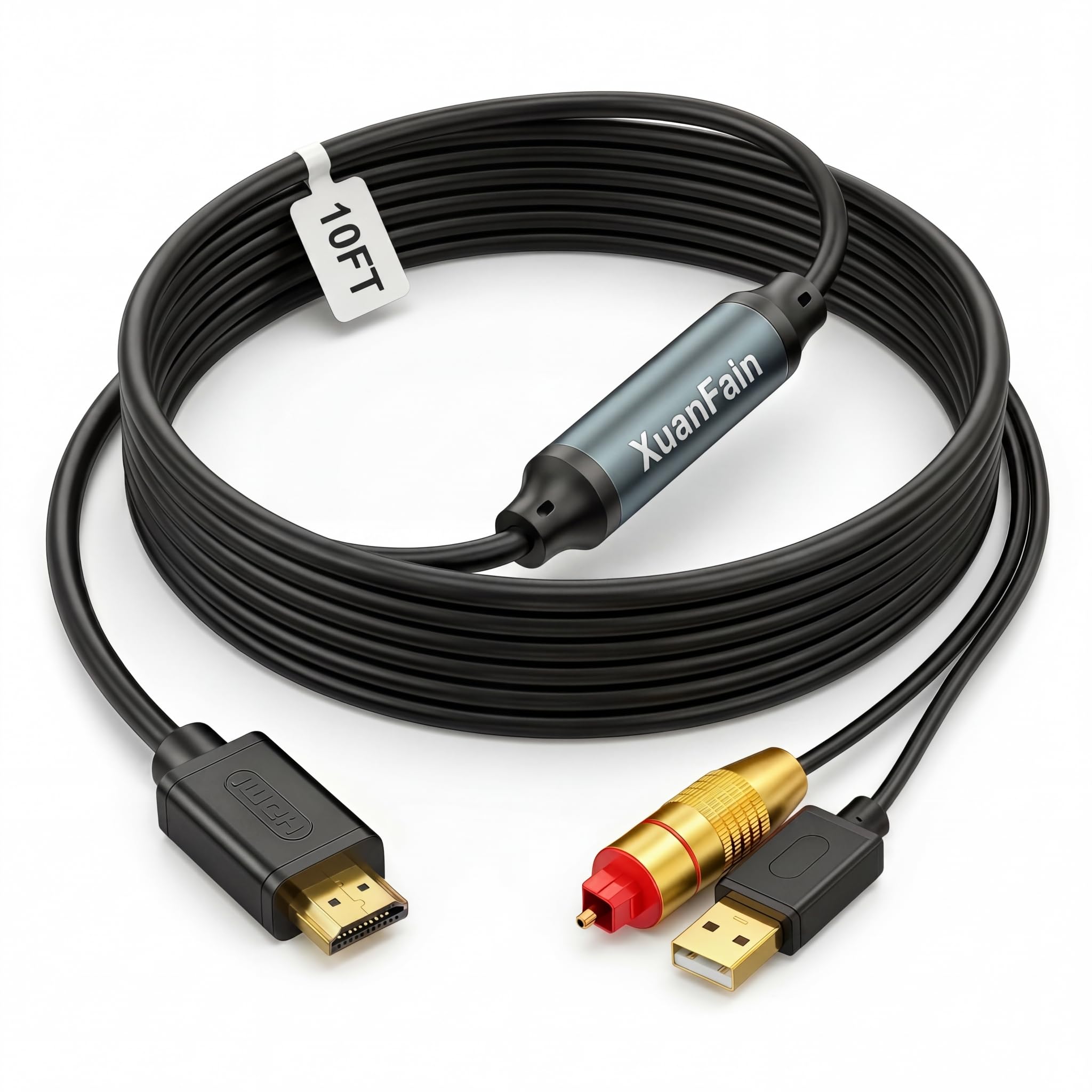
192KHz HDMI ARC to Optical Audio Converter, 10FT ARC to Toslink SPDIF Audio Extractor Adapter Cable for TV to Soundbar, PCM/LPCM 2.0
192KHz HDMI ARC to Optical Audio Converter, 10FT ARC to Toslink SPDIF Audio Extractor Adapter Cable for TV to Soundbar, PCM/LPCM 2.0
Item Details
Seller

Lots Of Auctions
Pickup Location
2832 Anode Lane
Dallas, TX, 75220
Quality
New
Functional
No Damage
No Assembly Needed
In Package
No Missing Parts
Estimated Retail Price
$22.95
Buyers Premium
15%
Inventory Number
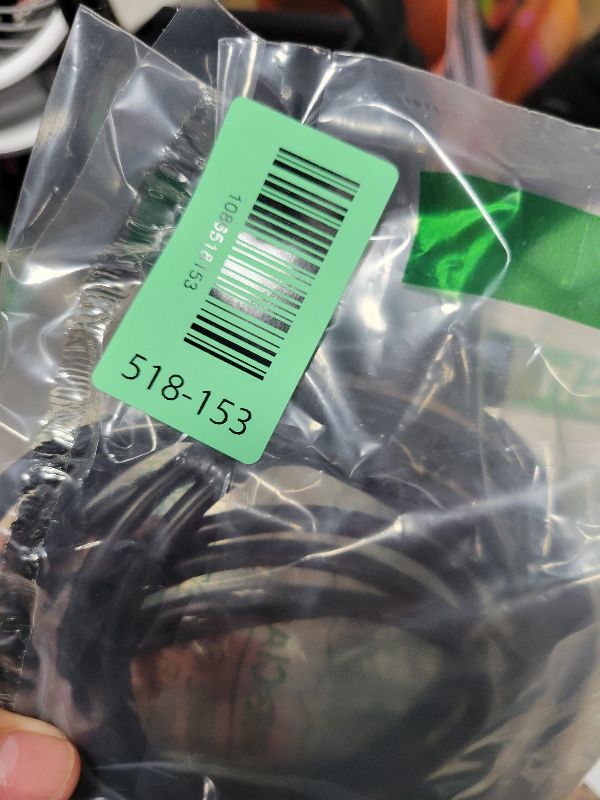
1086518153
Found in
Additional Details from the Manufacturer
This item information is coming from the manufacturer. Some of the details may vary from the Nellis Auction listing. Please check the Quality Rating and Notes for information specific to this listing
dimensions
Package: 0.42 lbMore features
- 【10FT HDMI ARC to Optical Audio Converter】Convert audio from your TV’s HDMI ARC port to an optical/Toslink soundbar, speaker, amplifier, or home theater system. The extended 10FT / 3M cable is ideal for wall-mounted TVs, long-distance setups, and cleaner home entertainment layouts.
- 【Designed for TV to Soundbar Connection】This ARC audio adapter cable helps connect modern TVs with HDMI ARC output to older soundbars or audio systems with optical input. A practical solution when your soundbar does not have an HDMI ARC port but supports optical/Toslink audio input.
- 【192KHz Clear Stereo Audio】Built with a digital audio conversion chip, this HDMI ARC audio extractor supports up to 24-bit / 192KHz audio transmission. It delivers clean PCM/LPCM 2.0 stereo sound with low noise and stable performance for movies, shows, games, and daily TV use.
- 【Important Compatibility Notes】Please confirm your TV has an HDMI ARC port before purchase. This adapter does not work with standard HDMI ports. It supports PCM/LPCM 2.0 only and does not support Dolby Digital, DTS, 5.1 surround sound, or CEC volume control. Please set your TV audio output to PCM or LPCM.
- 【Plug & Play Setup】No drivers or software required. Connect the HDMI ARC end to your TV’s HDMI ARC port, connect the optical end to your soundbar or audio device, plug the USB cable into a 5V power source, then enable ARC audio output and set Digital Audio Format to PCM/LPCM on your TV.

See the deals
Get in on the action, thousands of new items added daily. Bid and win!
Start bidding now